Get a GonkaRouter API Key
GonkaRouter provides one API access layer for a defined set of models. It supports OpenAI-compatible and Anthropic-compatible request formats and currently lists GLM-5.3-Flash, DeepSeek-V4-Flash-0731, and MiniMax-M2.7. It does not provide official OpenAI or Anthropic models. Check the current catalog before choosing a model.
Register and Create a Key
Visit GonkaRouter and register or sign in with your email.
Open the account dashboard and create an API key. Follow the dashboard’s current instructions for key permissions and usage.
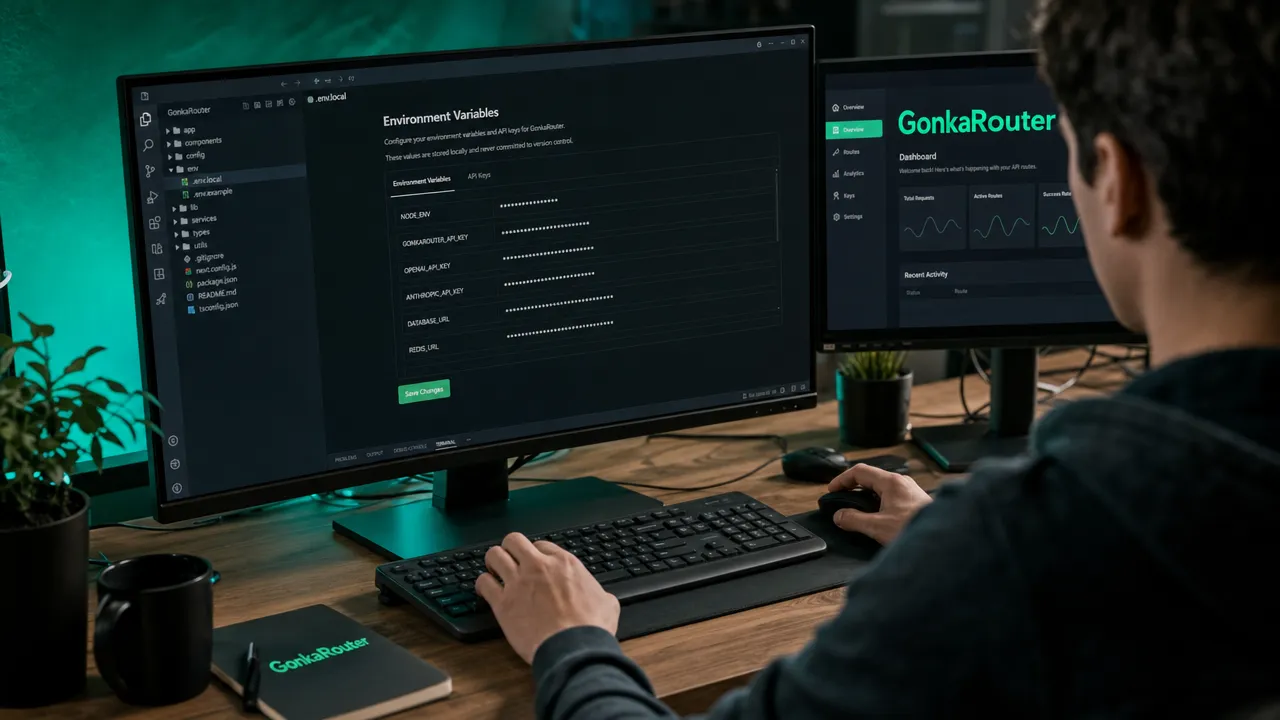
Store the key in a server-side secret manager or environment variable. Do not commit it to source control or expose it in browser code, mobile apps, or client-side logs.
Read the current API documentation for the base URL, supported paths, authentication header, request parameters, and model IDs. Do not copy endpoint values from an old article without checking the live docs.
A generic OpenAI SDK configuration uses a documented base URL and a supported model ID. Set the base URL from current documentation, keep the key in the server environment, and send a minimal request to verify authentication and response parsing. The exact endpoint path and parameters must match the current API contract.
OpenAI-compatible describes the request format; it does not mean the request is sent to OpenAI. Confirm the selected SDK path and parameters are supported by the current endpoint.
Configure the Current API Endpoint
The current base URL is https://api.gonkarouter.io/v1. Keep the key on a trusted server and read it from a secret manager or environment variable. For an OpenAI-compatible client, the live documentation uses model ID zai-org/GLM-5.3-Flash:
python 复制代码

Use the exact model ID and SDK configuration shown in the current developer docs. The live catalog also lists deepseek-ai/DeepSeek-V4-Flash-0731 and MiniMaxAI/MiniMax-M2.7; verify model limits and availability before switching. Format compatibility does not guarantee identical model behavior or support for every SDK parameter.
Test Before Production
Begin with a low-risk request. Verify authentication, response parsing, usage reporting, timeouts, and error handling. Test the exact models and prompts your application needs. Keep retry policy and output validation in your application unless the service explicitly documents those features.
Store the Key Like a Production Credential
An API key should exist only where a trusted server process can read it. In local development, load it from an untracked environment file or a developer secret store. In staging and production, use the platform's managed secret service and inject the value at runtime. Never place the key in frontend JavaScript, a mobile binary, a public repository, a container image layer, or an analytics event.
Use separate keys for people, environments, and services when the account supports it. Separation limits the impact of a leak and makes usage easier to attribute. Record the key owner, purpose, creation date, and rotation schedule without storing the secret itself in the inventory. Remove access when a service is retired or a team member changes roles.
Logs are a common leakage path. Redact authorization headers at the HTTP client, proxy, and application logger. Avoid printing full environment variables during deployment diagnostics. Review error-reporting and support tools because they may capture request headers automatically. If a key is exposed, revoke or rotate it immediately; deleting the message or commit is not sufficient.
Verify the First Request
Begin with a minimal server-side request using a model ID from the live catalog. Set a short but realistic deadline and a small output limit. Confirm that authentication succeeds, the response can be parsed, and usage fields are handled correctly. Test an intentionally invalid key and model ID as well, so the application can distinguish authentication, configuration, and transient service failures.
If the application streams responses, test the stream parser separately. Handle partial events, cancellation, and a connection that closes before the final usage record. Do not pass incomplete structured output to downstream systems. For non-streaming calls, cap the maximum response size and validate the content before storing or executing it.
Keep the base URL and model ID in configuration. An OpenAI-compatible or Anthropic-compatible format can simplify client setup, but it does not guarantee that every SDK feature or provider-specific parameter is supported. Use the current GonkaRouter documentation for the endpoint and request shape, and test the exact SDK version planned for deployment.
Add Application Guardrails
Set maximum input and output sizes to prevent accidental or abusive spend. Give retry ownership to one layer and cap total attempts. Temporary rate limits and server errors may be retried with exponential backoff and jitter; invalid credentials, malformed requests, and unsupported models require a fix. Record request IDs, selected model, latency, token usage, and validation outcome while minimizing raw prompt retention.
For structured output, parse against a schema and reject invalid fields. For tool-using agents, allow only known tools, validate arguments, enforce user permissions outside the model, and make side effects idempotent. A valid API key authorizes access to inference; it does not authorize every action the generated output might request.
Protect any internal endpoint that uses the key. A server route that accepts arbitrary prompts without user authentication or rate limits can become a public spending proxy. Apply account authorization, per-user quotas, request limits, and abuse monitoring before exposing it to a client application.
Rotate and Monitor Access
Plan rotation before the first incident. When overlapping keys are available, create the replacement, update the secret store, deploy, verify traffic on the new credential, and then revoke the old one. If overlap is unavailable, schedule a controlled change and test rollback. After rotation, search deployment configuration and logs for continued use of the old key.
Monitor usage by environment and service. Alert on an unexpected increase in requests, tokens, failures, or access from an unusual workload. Reconcile API usage with application records so compromised or misconfigured traffic is visible. Review active credentials periodically and revoke those without a current owner.
Once the minimal request, validation, limits, and monitoring work, move a small low-risk workload to the new route. Compare quality, latency, and cost per accepted task before expanding traffic.
New accounts currently receive 10M free tokens, which are used before a paid balance. The live rate tracks Gonka network utilization; check the pricing page before estimating production spend. Compare latency, quality, and cost per accepted task before expanding traffic.