GonkaRouter gives developers one AI Model Router for calling multiple AI models through an OpenAI- and Anthropic-compatible API. Instead of maintaining separate integrations for every model provider, teams can route inference requests through a unified gateway, choose models such as Qwen, Kimi, and MiniMax, and move faster with a simple endpoint-based integration path.
Gonka Router is built for AI developers, agent builders, startup teams, Web3 product teams, AI product managers, and enterprise technical teams that need model flexibility without extra integration overhead. Its core promise is practical: log in with email, get an API key, change the API endpoint, and start testing multiple model ecosystems through one API.
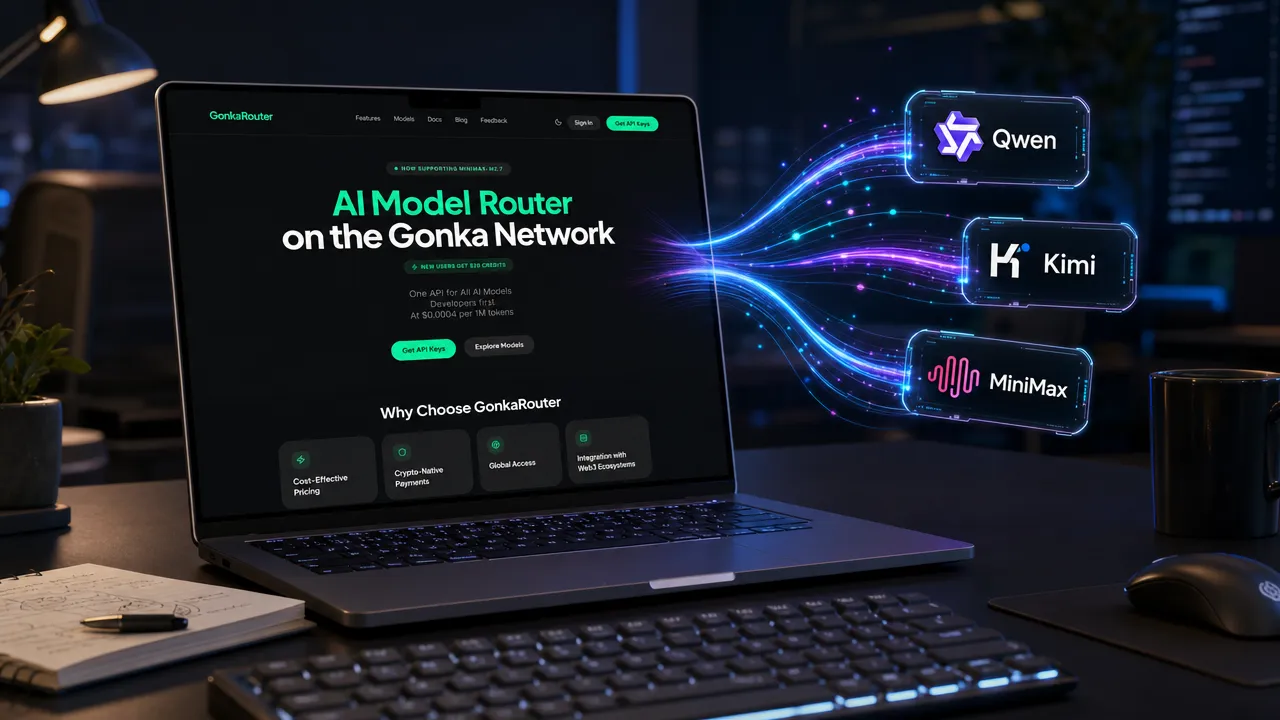
How GonkaRouter reduces multi-model API integration work
GonkaRouter solves a common developer problem: modern AI products often need more than one model, but each model ecosystem can require different endpoints, request formats, authentication logic, SDK behavior, and operational checks. That creates unnecessary engineering work when teams want to compare model quality, switch models for different tasks, or build AI agents that need flexible inference.
As an AI Model Router, GonkaRouter acts as a routing layer between your application and supported model ecosystems. Your app sends requests through a unified API, and GonkaRouter provides access to models through compatible developer workflows. The goal is not to force a new architecture on your team. The goal is to reduce the number of provider-specific connections your team has to maintain.
For teams already using OpenAI-style SDKs, GonkaRouter supports an OpenAI Compatible API approach. According to the GonkaRouter pricing page, developers can make API calls using OpenAI-compatible SDK patterns. The GonkaRouter developer documentation also shows Anthropic-style workflows, including Messages API usage patterns.
Developer challenge | Why it slows teams down | GonkaRouter answer |
|---|---|---|
Multiple model integrations | Every provider can require separate SDK logic and endpoint handling | One API for unified model access |
Slow model evaluation | Testing each model separately increases setup time | Multi Model API access for Qwen, Kimi, and MiniMax |
Higher maintenance load | Provider-specific logic must be updated and monitored | OpenAI- and Anthropic-compatible workflows reduce switching effort |
Agent workflow complexity | Agents often need different models for reasoning, coding, chat, or tool use | A single AI Gateway supports flexible model selection |
Cost pressure during experiments | Testing multiple models can become expensive | Token pricing is listed as low as $0.0004 / 1M tokens |
For developers, this makes GonkaRouter useful as both an AI Gateway and an AI Inference API. It gives teams a focused entry point for calling models without turning every product experiment into a provider integration project.
Why GonkaRouter works as an OpenAI Compatible API and AI Gateway
GonkaRouter is designed around compatibility because compatibility is what makes adoption fast. Many AI teams already have working OpenAI-style or Anthropic-style code. Replacing the entire application stack just to test a new model router would create friction. GonkaRouter instead focuses on endpoint-based integration, where developers can often keep familiar SDK patterns and change the API endpoint or base URL.
That matters for production teams as much as early-stage builders. A model gateway can become the control point for model access, experimentation, and switching. Instead of embedding provider-specific assumptions across your application, your team can route model calls through one layer.

The OpenAI Compatible API pattern is especially valuable for developers who want a fast smoke test. In many cases, a team can start by updating the endpoint, choosing a supported model, and sending a test request from an existing SDK workflow. For Anthropic-style workflows, the documentation points to Messages API-style usage, which is important for agent developers and teams building structured conversational systems.
GonkaRouter also fits the broader AI Gateway category because it sits between application logic and model execution. That makes it useful for teams that need:
Model optionality for AI agents and product experiments.
A single API surface for multiple model ecosystems.
Faster switching between Qwen API, Kimi API, and MiniMax API usage.
Lower integration overhead for AI Inference API calls.
A developer-friendly path from testing to production integration.
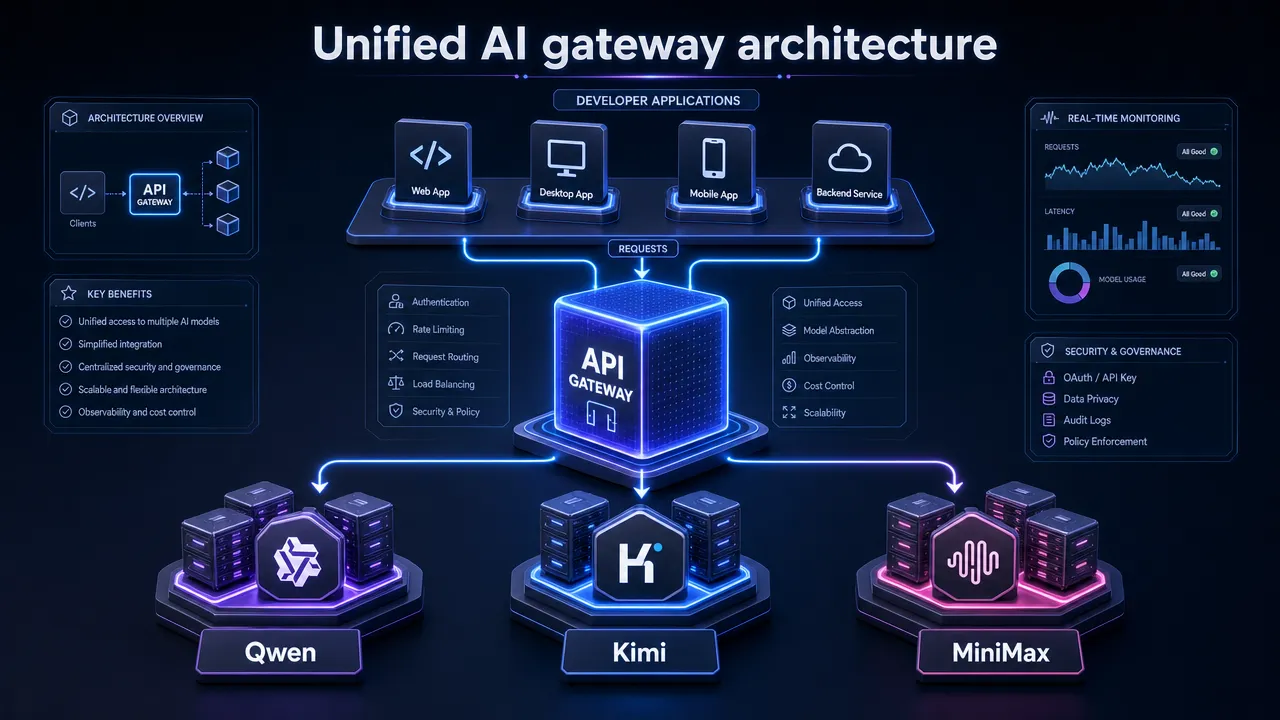
GonkaRouter supported models for Qwen, Kimi, and MiniMax workflows
GonkaRouter supports model ecosystems such as Qwen, Kimi, and MiniMax through a unified interface. The supported AI models page lists available models and is the best place to verify current model names, model IDs, context windows, and capabilities before publishing or deploying.
The research report identified model names such as Qwen3-235B-A22B-Instruct-2507-FP8, Kimi-K2.6, and MiniMax-M2.7 in GonkaRouter materials. Model availability can change, so developers should always check the live models page when selecting a model for production.
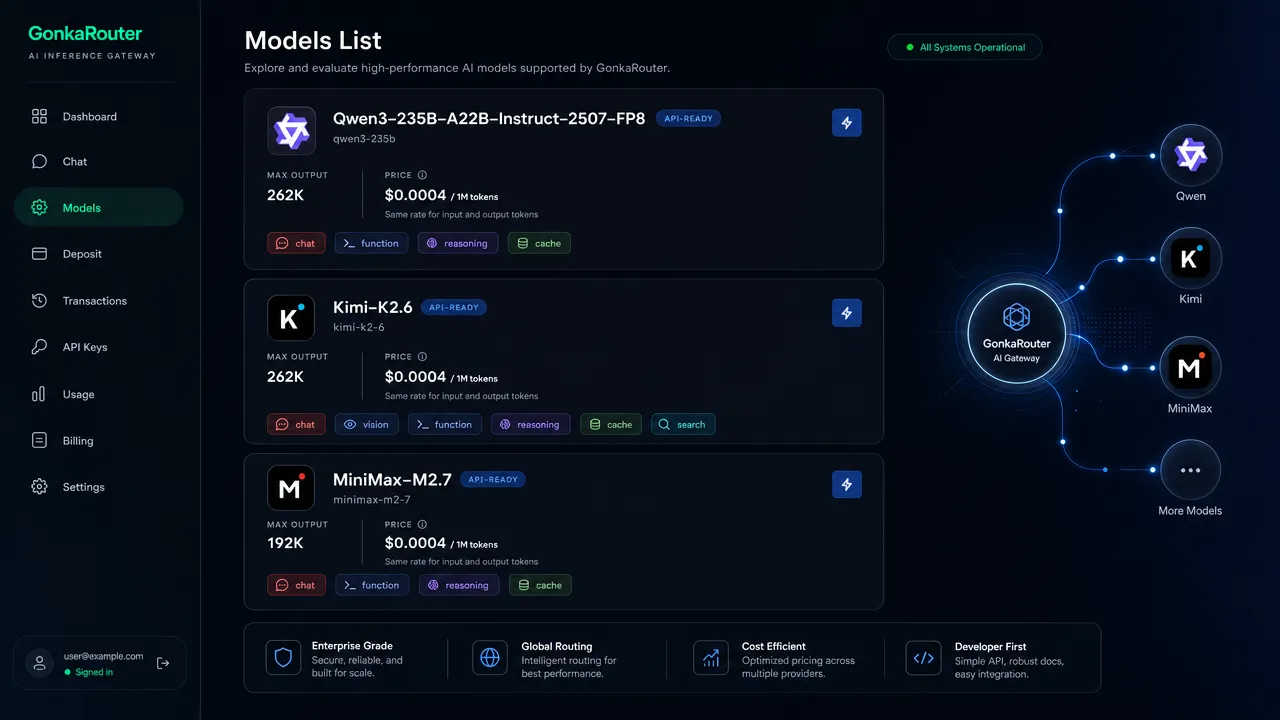
Model ecosystem | Common developer intent | How GonkaRouter helps |
|---|---|---|
Qwen API | Reasoning, coding, multilingual applications, agent workflows | Access Qwen models through the same routing layer used for other models |
Kimi API | Long-context tasks, chat, analysis, and agent workflows | Test Kimi models without building a separate provider-specific integration |
MiniMax API | Chat, reasoning, automated workflows, and product features | Add MiniMax access through the same Multi Model API approach |
Agent API workflows | Tool use, model switching, fallback planning, task-specific model choice | Keep agent logic separate from provider-specific model access code |
This model ecosystem approach is important because different tasks often benefit from different model behavior. A chatbot may need fast conversational responses. A coding assistant may need stronger code reasoning. A data analysis workflow may need longer context. An AI agent may need structured interaction, tool usage, and the ability to test different models as the product evolves.
GonkaRouter gives developers a practical way to evaluate these tradeoffs. Rather than locking an early product decision to one provider, teams can test model fit through one AI Model Router and keep the application architecture cleaner.
GonkaRouter pricing, trial credit, and developer onboarding
GonkaRouter is positioned around low-friction access for global developers. Email-based login lowers the registration barrier, and new users receive a one-time 20 USDT trial credit after logging in with email. Token pricing is listed as low as $0.0004 / 1M tokens, with current pricing details available on GonkaRouter pricing.
For startup teams and agent developers, this matters because model experimentation can become expensive before a product has clear usage patterns. A transparent entry price and trial credit help teams test Qwen, Kimi, and MiniMax models before committing deeper engineering work.
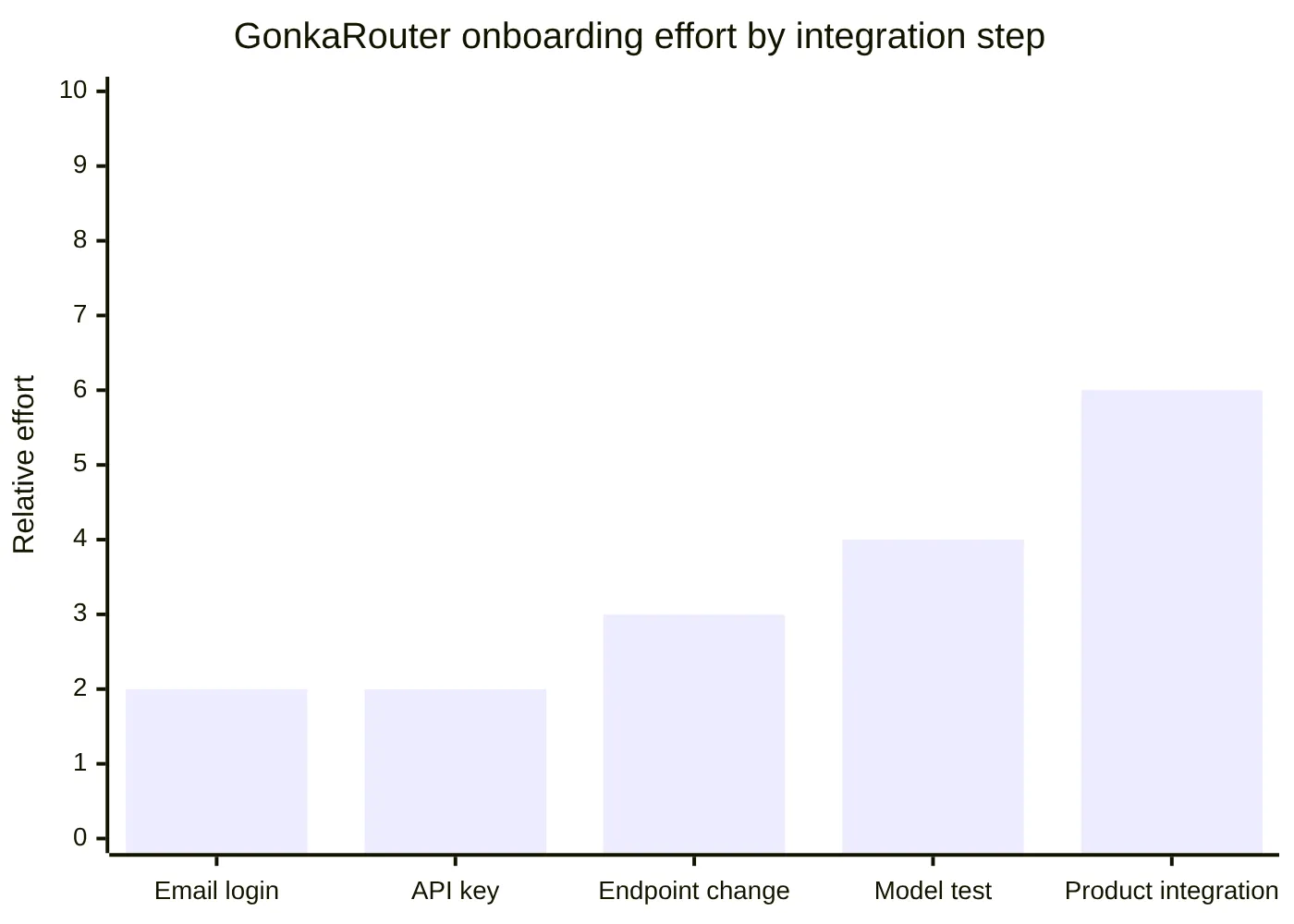
A typical GonkaRouter onboarding path looks like this:
Log in or register with email.
Receive the one-time 20 USDT trial credit.
Create or copy your API key from the dashboard.
Review the developer documentation.
Choose a model from the models page.
Change the endpoint or base URL in your existing SDK workflow.
Run a small test request.
Integrate the selected model into an agent, chatbot, content tool, coding tool, or automated workflow.
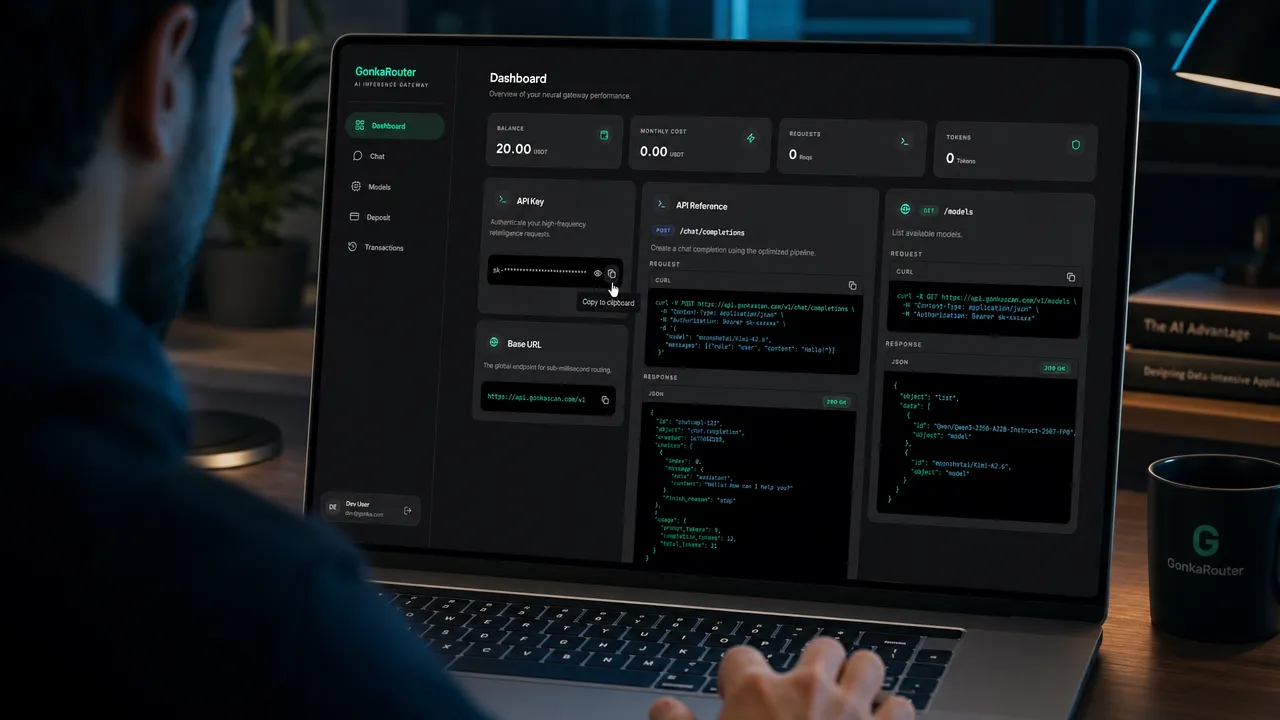
GonkaRouter also supports global developer access and Web3 payment scenarios. This is useful for teams building AI features inside Web3-native products, but the product should be understood as AI infrastructure for inference and routing, not as a payment, trading, or finance product.
GonkaRouter use cases for agents, chatbots, and AI products
GonkaRouter is most useful when a product needs model choice without integration sprawl. A single-model prototype may work at the beginning, but production AI systems often evolve. Teams may need to compare model quality, reduce cost, add model fallback, support long-context tasks, or route different tasks to different model ecosystems.
Common GonkaRouter use cases include:
Use case | Example implementation | Relevant keyword |
|---|---|---|
AI agents | Route reasoning, planning, and tool-use tasks through one API | Agent API |
Chatbots | Test Qwen, Kimi, or MiniMax for response quality and latency | AI Inference API |
Content generation | Generate drafts, summaries, product copy, and knowledge-base answers | Multi Model API |
Code generation | Use models for coding assistance, review, and workflow automation | Qwen API |
Intelligent Q&A | Build domain-specific assistants for internal or customer-facing knowledge | AI Gateway |
Automated workflows | Add model calls to data processing, support, operations, or product automation | OpenAI Compatible API |
Model evaluation | Compare outputs across supported ecosystems before selecting a default model | AI Model Router |
GonkaRouter is also useful for product managers and enterprise technical teams that want a clear path from evaluation to deployment. The routing layer can help teams separate application logic from model access logic. That separation becomes more important as AI products grow from prototypes into production systems.
For developers comparing categories, the distinction is simple:
A consumer AI app is mainly for chatting with models in a ready-made interface.
A full inference cloud may include broad infrastructure, deployment, or GPU services.
A general AI Gateway may cover many providers and enterprise controls.
GonkaRouter focuses on developer-first model routing through one API, with OpenAI and Anthropic compatibility, Qwen/Kimi/MiniMax ecosystem access, and low-friction onboarding.
This makes GonkaRouter a practical choice for teams that want to build rather than manage multiple provider integrations. Start with the AI Model Router on the Gonka Network, check supported AI models, review the developer documentation, and use GonkaRouter pricing to estimate early testing costs.
The fastest conversion path is direct: log in with email, get your API key, use the one-time 20 USDT trial credit, change the endpoint, and start calling Qwen, Kimi, or MiniMax through GonkaRouter.