GonkaRouter gives new users $20 in AI API credit after registration to evaluate listed models through its OpenAI-compatible API, including DeepSeek-V4-Flash-0731, Kimi-K2.6, and MiniMax-M2.7. This is a practical starting point for developers assessing low-cost free AI inference, but live availability, token accounting, and model-specific pricing should be verified before any workload is scaled.
At the displayed reference rate of $0.0012 per 1 million tokens, the calculation is:
\$20 ÷ \$0.0012 per 1 million tokens = approximately 16.67 billion tokens
That means the credit is equivalent to up to 16.7 billion tokens as a maximum-equivalent estimate at the displayed reference rate. Actual token usage, token accounting, and model rates vary by model and may change. Confirm the live model price before running a workload.
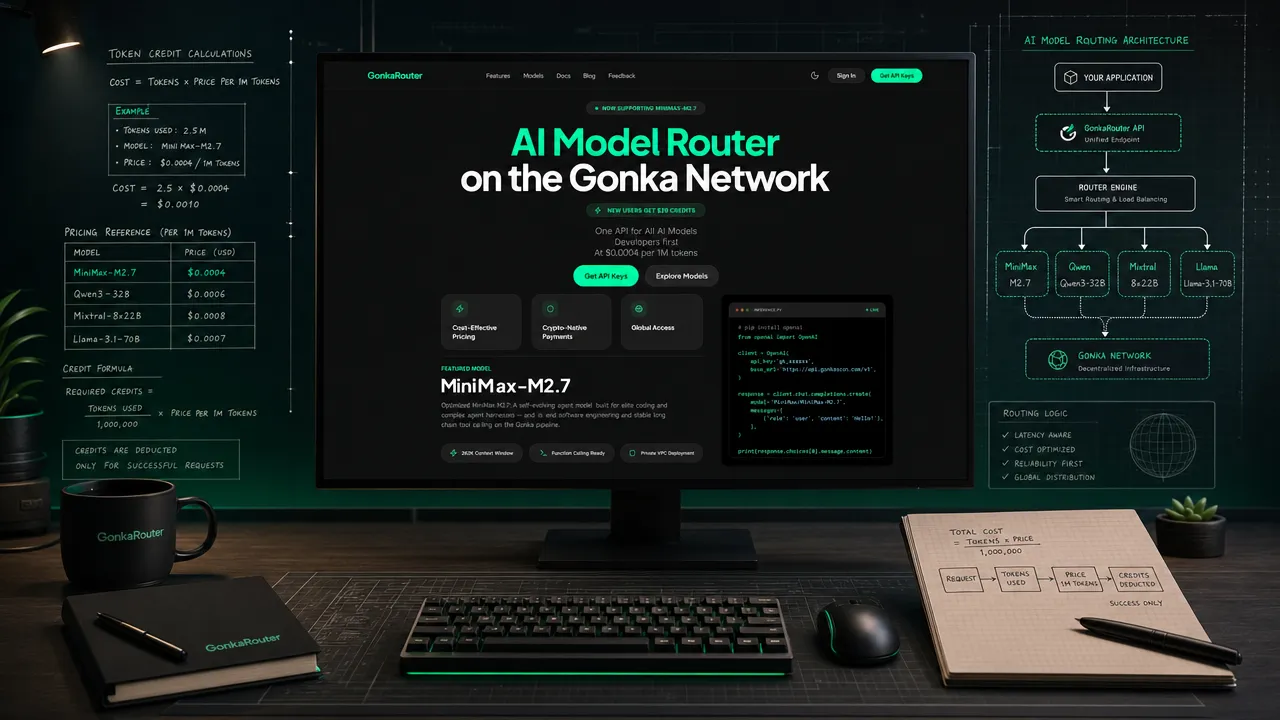
Free AI Inference: What the $20 Credit Represents at the Displayed Rate
The registration credit is useful for an initial integration test because it lets a team validate the full path: account access, model selection, API-key creation, request formatting, response handling, and measured workload cost.
The displayed reference rate is not a universal rate for every model or request type. Treat it as a reference input for planning rather than a fixed commitment. The live official pricing page is the source to check immediately before testing or deploying.
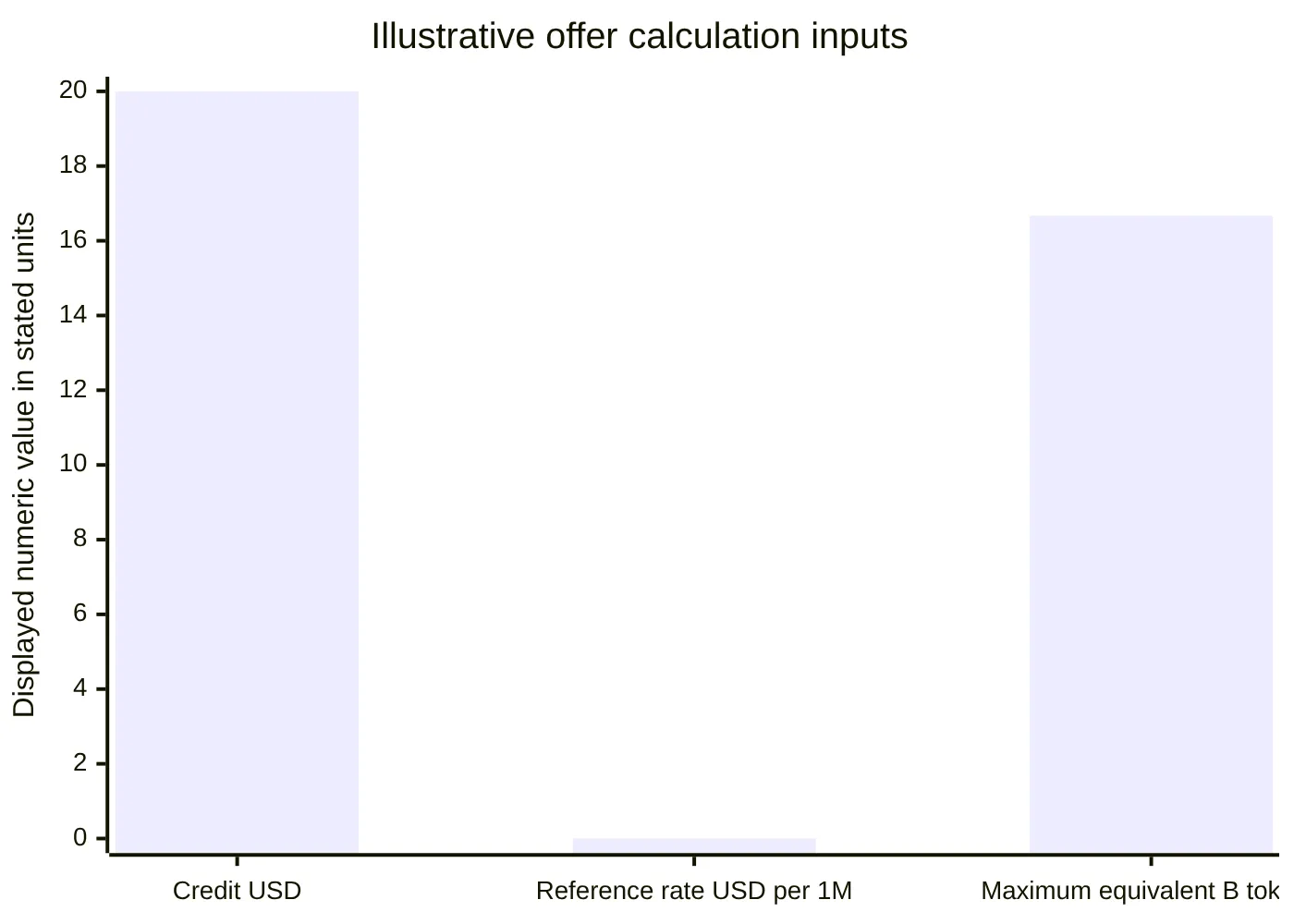
The chart uses different units and is not a direct price comparison. It only illustrates the inputs behind the calculation.
A disciplined interpretation matters:
The $20 credit is for API usage after registration, not cash.
The 16.67 billion figure assumes all credit is consumed at the displayed reference rate.
The phrase "up to 16.7 billion tokens" is valid only as a maximum-equivalent estimate at that displayed rate.
A model change should trigger another pricing check.
Free AI Inference Model Selection Starts With the Live Catalog
Before creating a test workload, review the current supported AI models catalog and the displayed rate for the exact model you plan to call. GonkaRouter currently lists DeepSeek-V4-Flash-0731, Kimi-K2.6, and MiniMax-M2.7, but model availability and API identifiers should be copied from the live catalog or documentation rather than assumed from an older configuration.
Listed model | What to verify before use | Selection approach |
|---|---|---|
DeepSeek-V4-Flash-0731 | Current availability, exact API model ID, displayed rate | Run representative prompts and record outcomes |
Kimi-K2.6 | Current availability, exact API model ID, displayed rate | Test the actual task format and output requirements |
MiniMax-M2.7 | Current availability, exact API model ID, displayed rate | Measure completed-task cost, retries, and response behavior |
Avoid choosing a model based on a general reputation or a copied rate. A useful evaluation set includes a small set of real prompts, difficult edge cases, expected output formats, and validation rules. The goal is not to declare one model universally superior. It is to find the model that fits your application constraints at the current live price.
For a broader task-based evaluation method, see GonkaRouter's guidance on how to choose AI models for your workload.
Free AI Inference Account Setup and API-Key Preparation
Start at the official GonkaRouter website and use the current email-based sign-in or registration flow. Official onboarding material describes email login and a one-time trial-credit workflow, but exact form fields, verification steps, and dashboard labels can change. Follow the current account flow rather than relying on screenshots or old instructions.
After signing in, check the live dashboard for available API-key options. GonkaRouter materials support the high-level workflow of creating, labeling, and copying a key, but the current navigation path, scope options, expiration settings, and rotation controls should be verified in the account interface.
Keep the key server-side. Do not place it in browser code, public repositories, screenshots, prompts, or application logs. Store it in your deployment platform's secret-management system and use separate keys for separate environments when your own operational practices require that separation.
This account-to-test workflow keeps unverified dashboard details out of the implementation plan:
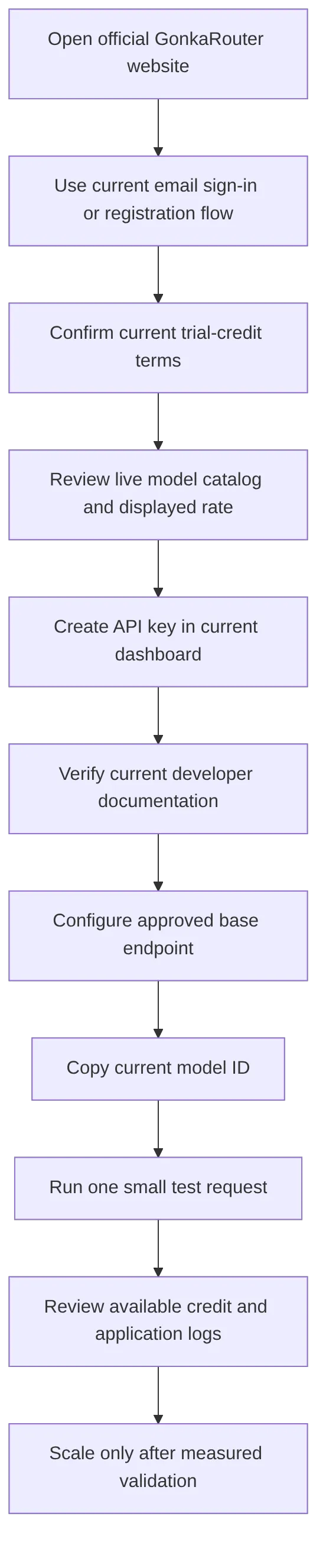
For account and key-management context, consult the GonkaRouter login and API-key guide. Treat the live account interface and current documentation as authoritative when they differ from a published guide.
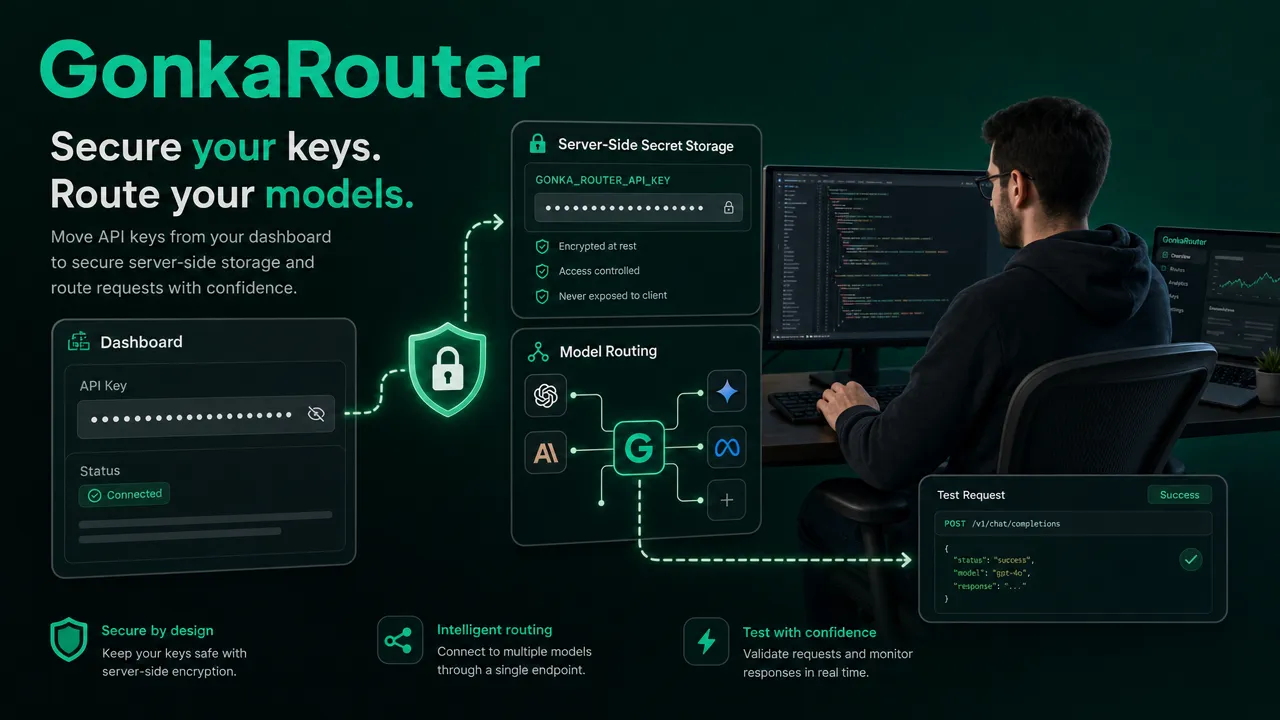
Free AI Inference API Configuration and First Request Validation
GonkaRouter provides an OpenAI-compatible API endpoint at https://api.gonkarouter.io/v1. OpenAI-compatible describes an API-format positioning. It does not mean access to official OpenAI models, nor does it guarantee complete feature parity with every OpenAI API feature.
Use the current developer documentation to verify all implementation details that are not confirmed here, including:
The authentication method required for your API key.
The request path that follows the
/v1base endpoint.The exact current model identifier.
The supported request schema and parameters.
The documented response schema and usage fields.
Error behavior and any integration requirements relevant to your application.
Do not copy an authorization header, SDK method, JSON body, streaming flag, or endpoint suffix from another provider. Those details are not interchangeable across platforms unless GonkaRouter's current documentation explicitly confirms them.
A small isolated request is the appropriate first test. Use a short representative prompt, send it to one selected live model, validate the result against your application's expected output, and log only the metadata your engineering policies allow.
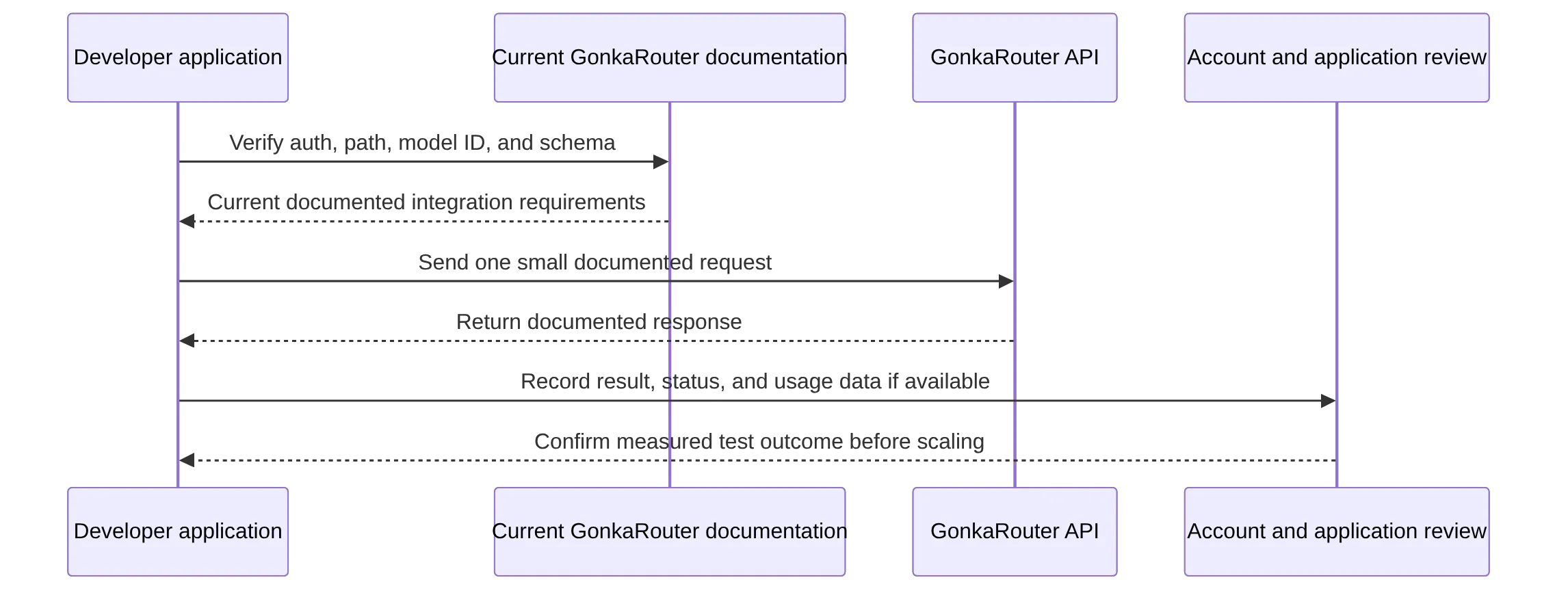
The OpenAI-compatible API endpoint guide provides additional product context. Use the live developer documentation for implementation decisions.
Free AI Inference Budget Controls and Credit Monitoring
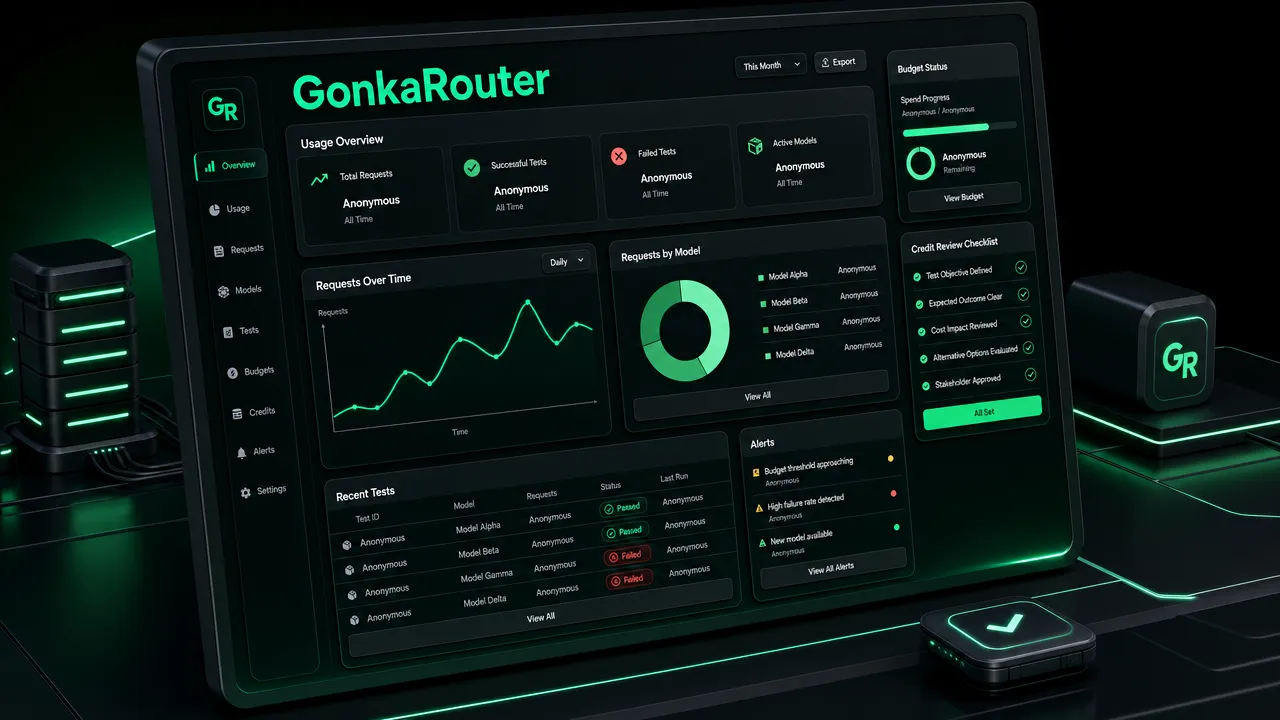
Credit visibility, usage pages, exports, alerts, quotas, and budget caps should not be assumed unless they are currently shown and documented in your GonkaRouter account. Check the live dashboard for available credit, usage, and billing information. In parallel, use application-level controls that you own.
Control | Practical implementation | Why it matters |
|---|---|---|
Small initial test | Begin with one short prompt and one selected model | Limits exposure while validating integration |
Request logging | Record time, model ID, request class, status, retries, and documented usage data | Creates an independent operational record |
Internal request caps | Limit requests per user, service, or deployment | Prevents accidental traffic spikes |
Concurrency controls | Queue or limit parallel model calls | Helps manage batch and agent-style workloads |
Output validation | Reject malformed or unusable responses before retrying | Avoids avoidable repeat calls |
Price rechecks | Confirm the live rate when changing model or workload | Rates and accounting may vary |
Avoid logging API keys or sensitive prompt content unnecessarily. When token data is exposed in a documented response or account interface, record it alongside outcome quality. Cost per successful task is usually more informative than cost per request alone because retries, output length, and validation failures can materially change actual spend.
Free AI Inference Is an Evaluation Step, Not a Production Guarantee
Free AI inference on GonkaRouter can help developers evaluate an OpenAI-compatible integration, compare live listed models, and measure an early workload without assuming fixed model economics. The responsible path is straightforward: verify the active offer, inspect the live catalog, confirm the exact model rate, follow current API documentation, and scale only after your own test results support the decision.
Does GonkaRouter give new users $20 in API credit?
The approved campaign offer is $20 in AI API credit after registration. Official onboarding content describes a one-time 20 USDT trial credit after email login. Confirm the current offer terms in the live account flow.
How many tokens can $20 represent at $0.0012 per 1 million tokens?
\$20 ÷ \$0.0012 per 1 million tokens = approximately 16.67 billion tokens. This is up to 16.7 billion tokens only as a maximum-equivalent estimate at the displayed reference rate. Actual model rates, token accounting, and usage vary.
Which models can I check on GonkaRouter?
The listed models covered here are DeepSeek-V4-Flash-0731, Kimi-K2.6, and MiniMax-M2.7. Verify current catalog availability, exact API identifiers, and model-specific live pricing before use.
What endpoint should I use for GonkaRouter?
The approved API base endpoint is https://api.gonkarouter.io/v1. Confirm the current authentication method, request path, model ID, and request schema in the official documentation before implementation.
Can an OpenAI-style client work with GonkaRouter?
GonkaRouter is positioned as OpenAI-compatible, which refers to API format. Verify the exact supported API surface in current documentation. Compatibility does not mean official OpenAI model access or complete feature parity.
How should I monitor credit use?
Check the current GonkaRouter dashboard for available credit, usage, and billing details. Also maintain application-level logs for request volume, selected model IDs, retries, response outcomes, and any documented token or cost data.
Create a GonkaRouter account, claim the $20 credit, confirm the live model rate, and run a small test request.