DeepSeek-V4-Flash-0731 is available now through GonkaRouter, giving developers a single AI Inference API for accessing it alongside three other supported models. Rather than maintaining separate credentials, endpoints, and request conventions for each option, teams can centralize model access behind one focused AI Gateway.
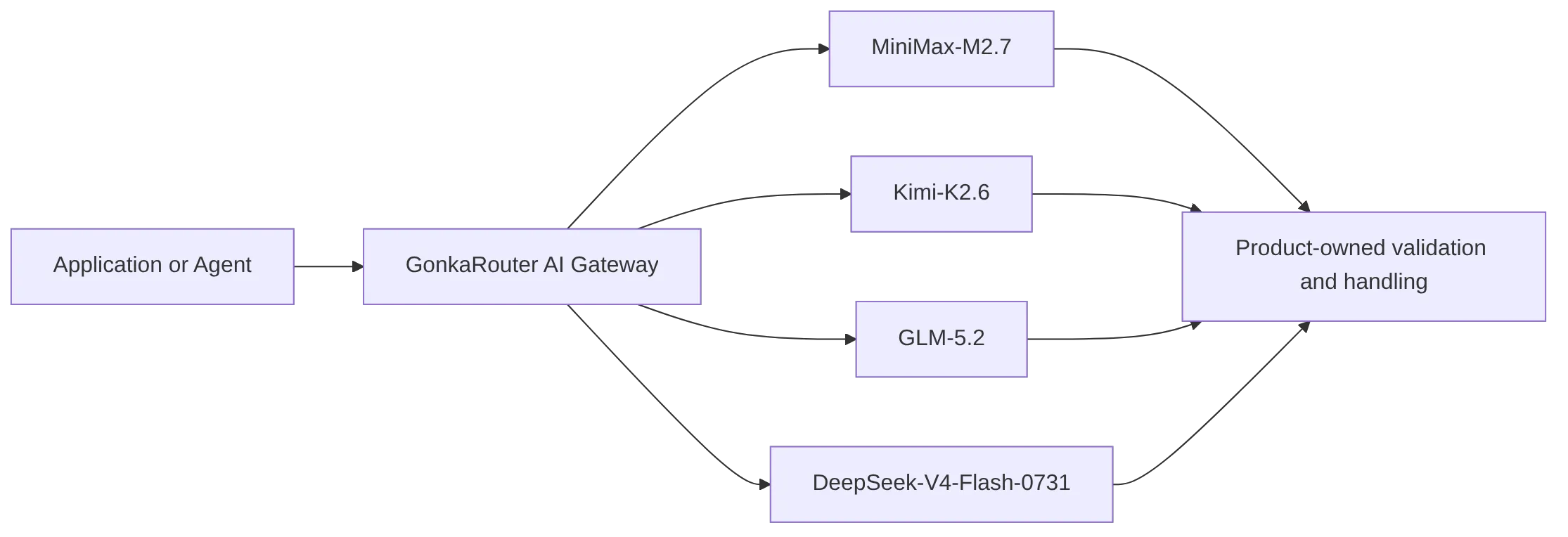
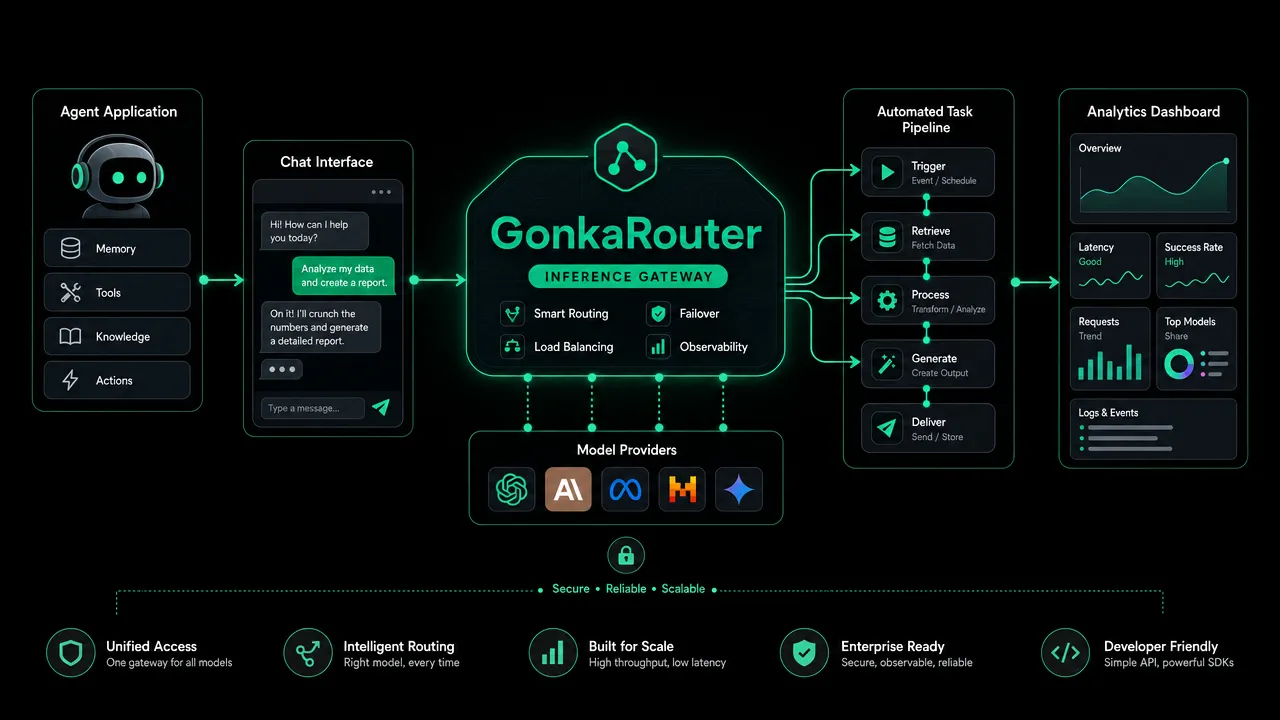
GonkaRouter supports MiniMax-M2.7, Kimi-K2.6, GLM-5.2, and DeepSeek-V4-Flash-0731 through one unified integration layer. It supports both OpenAI Compatible API and Anthropic Compatible API formats, enabling compatible applications to start with an endpoint-focused migration path.
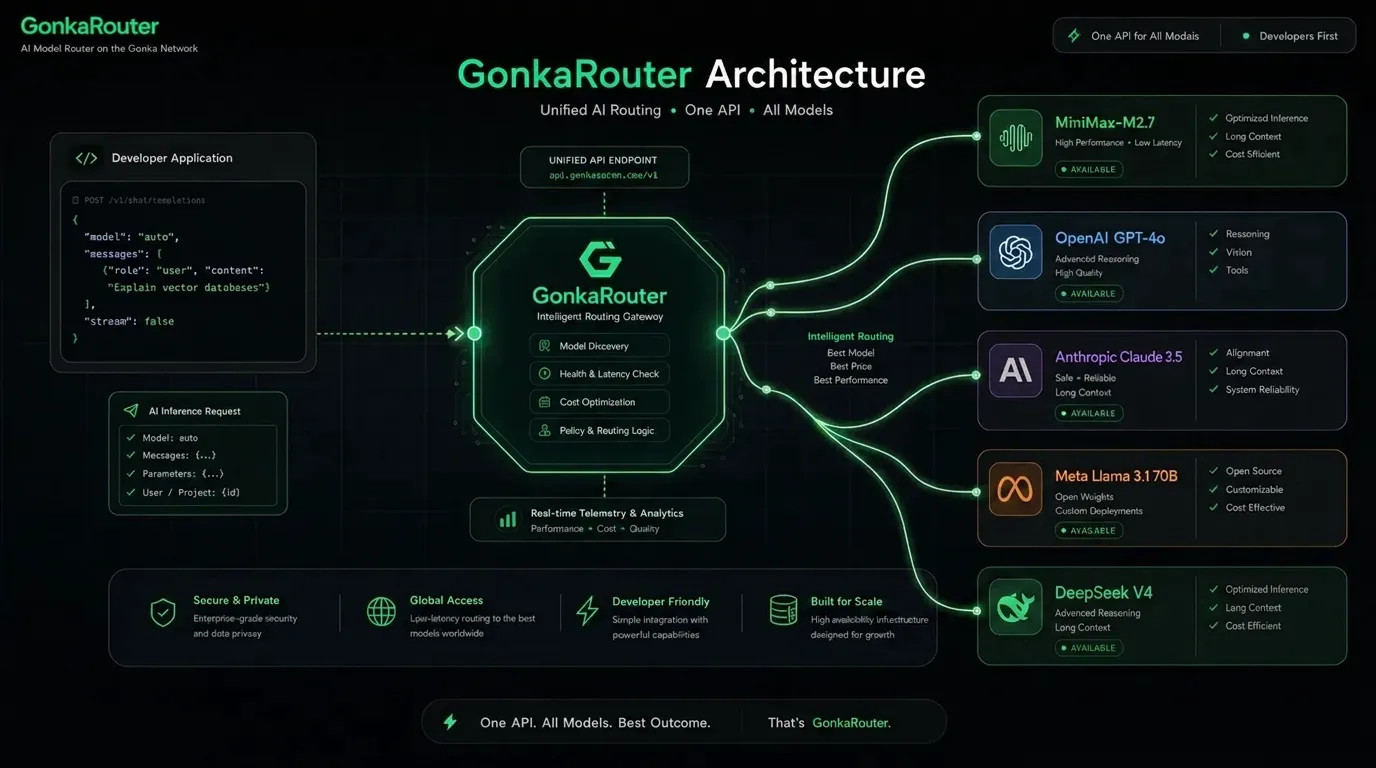
How GonkaRouter provides DeepSeek-V4-Flash-0731 API access through one integration
The DeepSeek-V4-Flash-0731 API is part of GonkaRouter's current four-model catalog. Developers can select it through the same GonkaRouter access layer used for MiniMax-M2.7, Kimi-K2.6, and GLM-5.2.
This matters when model evaluation is part of product development. A team building an Agent API workflow, chatbot, code-generation feature, or automated workflow can keep its application logic separate from model-access configuration. Instead of wiring a new direct connection every time the team evaluates another supported model, the application can retain a centralized inference boundary.
GonkaRouter is built on the Gonka decentralized AI compute network, using globally distributed GPU resources as the infrastructure foundation for developer-facing AI inference. Its product scope is intentionally focused: one API for the four models currently supported on the platform.
Developer need | GonkaRouter capability | Practical result |
|---|---|---|
Access DeepSeek-V4-Flash-0731 | Unified AI Inference API | Use DeepSeek-V4-Flash-0731 through the same access layer as the other supported models |
Compare supported models | Four-model catalog | Test MiniMax-M2.7, Kimi-K2.6, GLM-5.2, and DeepSeek-V4-Flash-0731 with representative prompts |
Reduce integration sprawl | One API key and integration boundary | Keep model access centralized in application configuration |
Reuse familiar request patterns | OpenAI Compatible API and Anthropic Compatible API formats | Start from a compatible API format and follow the current documentation |
The router does not make every model behave identically, nor does it replace product-owned safeguards. Teams still control prompts, retrieval, tool permissions, validation, retries, user authorization, and output handling. The advantage is a cleaner access layer while developers assess which supported model best fits a specific workload.
For a live view of the catalog, use the supported-model catalog.
Why GonkaRouter works as an AI Model Router for product teams
An AI Model Router creates a boundary between an application and the models it calls. That boundary is useful because direct integrations often spread endpoint configuration, authentication, error handling, and model-specific request logic across a codebase.
With GonkaRouter, a product can direct inference requests through one Multi Model API. Developers select the supported model for a workflow while preserving a more consistent application architecture.
For example, an engineering team can use the same product prompt set to assess output formatting, token usage, and workflow behavior across the four supported models. This keeps experimentation closer to a configuration and evaluation task instead of a repeated integration project.
The architectural value of GonkaRouter is not automatic selection or automatic fallback. The development team decides which model to call and owns its production policies. GonkaRouter provides the model-access layer; the application remains responsible for its operational behavior.
For a deeper category explanation, read what an AI Model Router API does. Teams using an endpoint-first implementation approach can also review the guide to one OpenAI-compatible API endpoint.
How GonkaRouter supports compatible API formats and fast endpoint updates
GonkaRouter supports OpenAI Compatible API and Anthropic Compatible API access. These terms refer to API-format compatibility, not official model access from either company. The supported models remain MiniMax-M2.7, Kimi-K2.6, GLM-5.2, and DeepSeek-V4-Flash-0731.
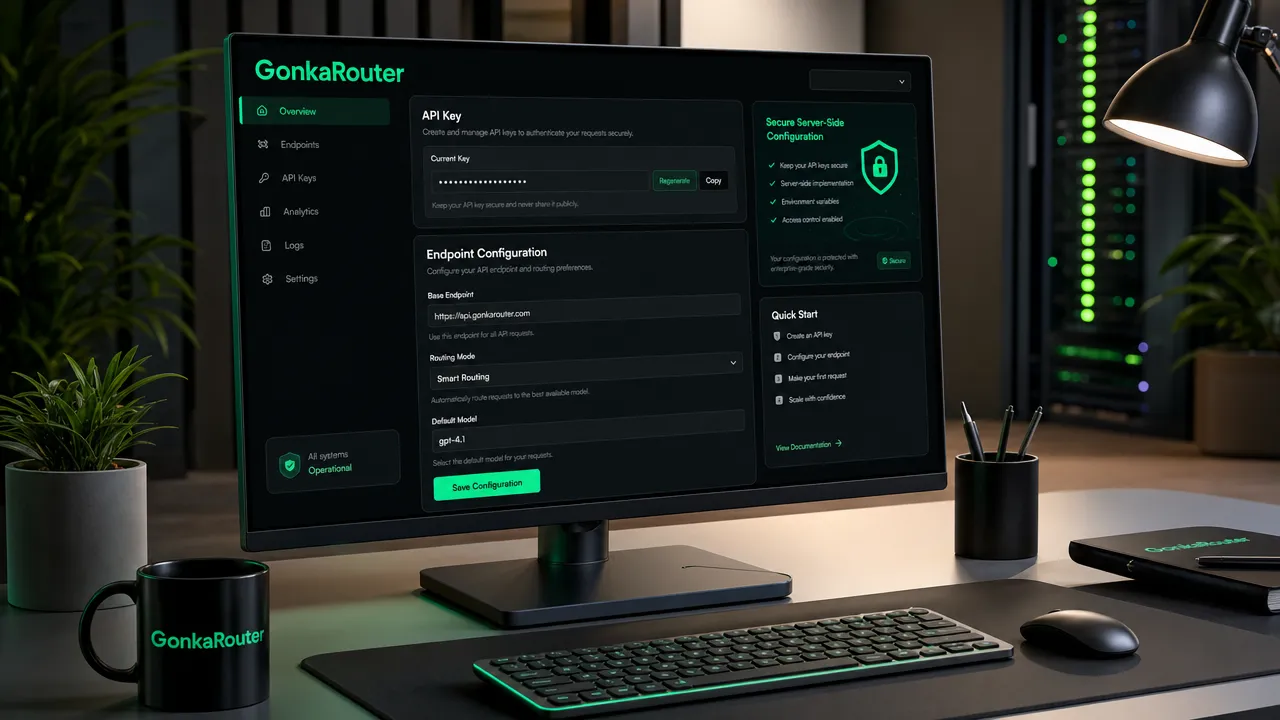
For a compatible application, the fast-integration path centers on changing the configured API Endpoint, adding a GonkaRouter API key, selecting a supported model, and following the current request guidance. This can reduce initial migration work because teams can retain familiar client-side patterns where the documented format applies.
Use the GonkaRouter developer documentation as the source of truth for current endpoint details, authentication requirements, request fields, response handling, and model identifiers.
A practical setup sequence is:
Log in or register with email.
Open the dashboard and create an API key.
Store the API key in a secure environment variable or secrets-management system.
Choose the OpenAI Compatible API or Anthropic Compatible API format that fits the existing application.
Update the configured API Endpoint according to the documentation.
Select DeepSeek-V4-Flash-0731 or another supported model.
Send a small smoke test using representative product prompts.
Connect the selected model to the product or Agent workflow.
Keep API keys out of browser code, public repositories, logs, and client-side configuration. The official login and API-key guide provides the dashboard onboarding path.
How GonkaRouter pricing and trial credit support initial API testing
GonkaRouter token pricing starts at $0.0004 per 1M tokens. New users receive a one-time 20 USDT trial credit after completing email login. This is product usage credit for testing API workflows and supported models.
The trial credit gives a development team a direct way to validate its own workload before integrating model calls into a broader product flow. Useful early checks include prompt behavior, expected output formatting, token usage, application-side parsing, error paths, and validation rules.
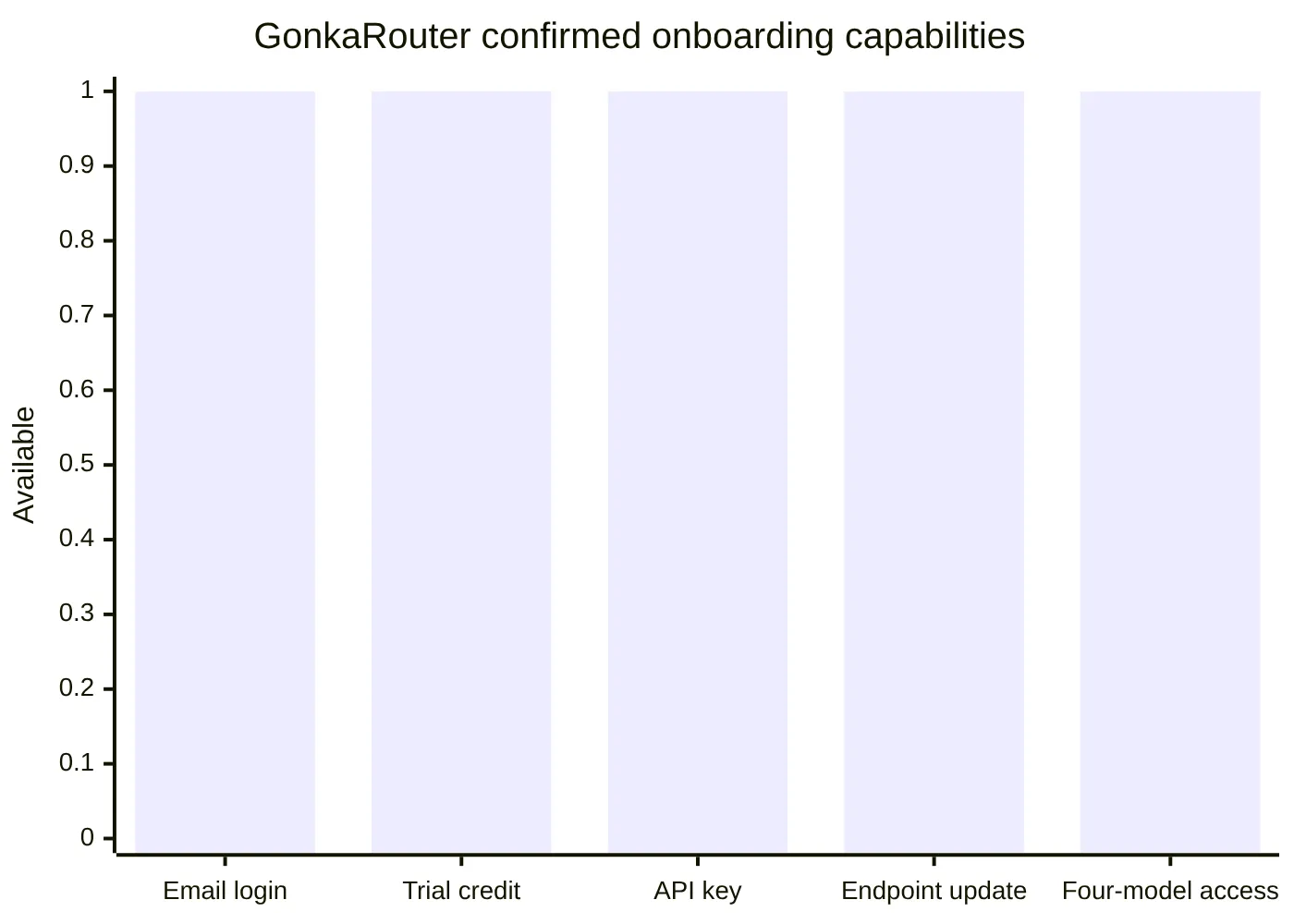
The chart represents confirmed availability only. It does not compare performance, output quality, or usage volume.
Review GonkaRouter pricing for current usage details. Global developers can use GonkaRouter for product usage, including relevant Web3 payment scenarios.
Where GonkaRouter fits for Agents and AI product workflows
GonkaRouter fits products that need programmable model inference rather than a standalone interface. Its unified API can serve as an inference-access layer for AI Agents, chatbots, content generation, code generation, automated workflows, intelligent Q&A, and data-analysis features.
A team building an Agent workflow, for instance, can use GonkaRouter for model access while keeping planning, retrieval, memory, tool permissions, and output validation inside its own application. That division of responsibilities is important: the router handles access to supported models, while the product retains control over its business logic and safety measures.
Before sending production traffic, test the following with real application inputs:
Area to test | Why it matters |
|---|---|
Prompt and output behavior | Confirms that the selected model fits the product task |
Output parsing | Protects downstream systems that depend on specific formats |
Token usage | Helps teams understand consumption for representative requests |
Error handling | Ensures the application handles unsuccessful requests predictably |
Retry policy | Keeps retry behavior aligned with product requirements |
API-key security | Prevents credentials from entering browser code or public repositories |
Data handling | Ensures internal practices align with product and user requirements |
For information involving confidential or personal data, review the data-handling information and the GonkaRouter Terms of Service.
GonkaRouter FAQs and next steps for DeepSeek-V4-Flash-0731
Is DeepSeek-V4-Flash-0731 available through GonkaRouter?
Yes. DeepSeek-V4-Flash-0731 is live and available through GonkaRouter today.
Which models does GonkaRouter currently support?
GonkaRouter currently supports MiniMax-M2.7, Kimi-K2.6, GLM-5.2, and DeepSeek-V4-Flash-0731.
Does OpenAI Compatible API mean official model access?
No. OpenAI Compatible API refers to API-format compatibility only. It does not indicate official model access from that company.
Does Anthropic Compatible API mean official model access?
No. Anthropic Compatible API also refers to API-format compatibility only.
How do developers start with GonkaRouter?
Log in with email, receive the one-time 20 USDT trial credit, create an API key, read the developer documentation, update the API Endpoint in a compatible implementation, and test a supported model with real application prompts.
GonkaRouter gives development teams a focused path to DeepSeek-V4-Flash-0731 API access and multi-model evaluation without multiplying integration boundaries. Log in with email, create an API key, test the four supported models, and connect the selected option to an Agent or product workflow.