Verified AI models reduce bad production choices by forcing developers to prove model identity, API fit, cost behavior, latency, reliability, and task performance before they commit engineering time.
The point is not that every team needs the same "best" model. The point is that AI developers, agent builders, startup teams, and product teams need a repeatable way to separate a strong demo from a dependable production choice. Search behavior around ai models, openai models list, gemini model list, aws bedrock models, perplexity ai models, groq models, claude 3.7 model, deepseek ai model, xai grok3, o3 openai, and meta ai llama 4 shows the same pattern: developers are not only browsing names. They are trying to decide what to test, what to trust, and what to integrate.
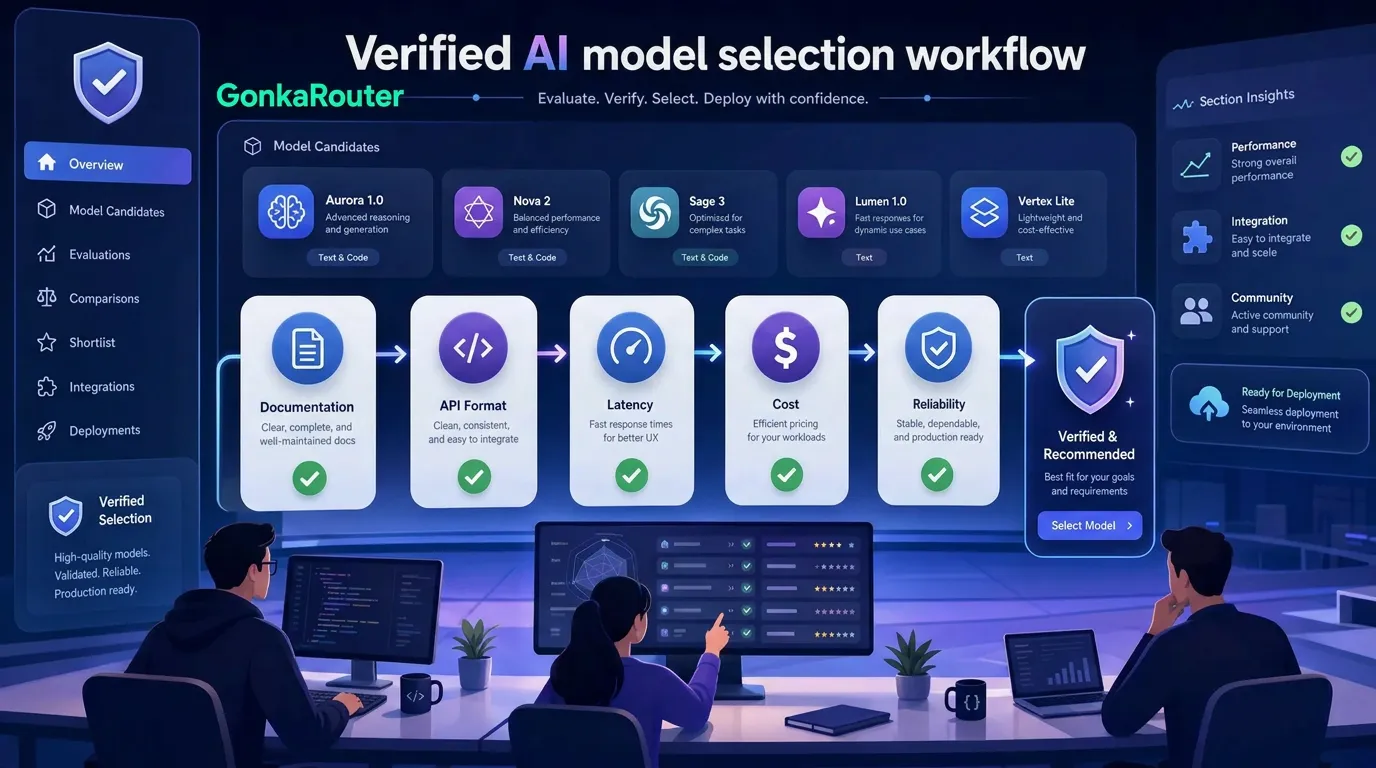
How verified AI models turn model choice into an engineering decision
For developers, "ai models" no longer means a generic list of LLM names. It means a production decision across quality, cost, API compatibility, latency, reliability, context handling, and long-term maintenance.
A verified AI model is not simply a model that appears on a leaderboard or goes viral in a benchmark thread. It is a model your team has checked against practical criteria:
Verification area | What developers should confirm | Why it prevents bad picks |
|---|---|---|
Model identity | Exact model name, version, alias, and deprecation status | Prevents accidental use of the wrong model |
Official documentation | API docs, model notes, changelog, and usage limits | Avoids relying on stale third-party lists |
API access | Endpoint, authentication, request schema, streaming behavior | Reduces integration surprises |
Pricing | Input tokens, output tokens, retries, context usage, agent loops | Prevents cost drift at scale |
Benchmarks | Source, methodology, contamination risk, task relevance | Keeps benchmark hype in context |
Real workload fit | Representative prompts, agent steps, code tasks, RAG queries | Shows whether the model works for your product |
Production behavior | P50/P95 latency, error rates, timeouts, fallback handling | Determines whether the model can serve users reliably |
This matters because developer adoption is high, but trust is not automatic. Stack Overflow's 2025 AI reporting found that 80% of developers use AI tools, while trust in AI accuracy fell to 29%, and 45% cited "AI solutions that are almost right, but not quite" as a top frustration. That gap is exactly where verification becomes useful: almost-right output is not just annoying. In an agent, chatbot, code assistant, or automated workflow, it becomes debugging cost, support cost, and user trust risk.
Benchmarks are still useful, but they are not enough. Evidently AI's guide to LLM benchmarks explains that benchmarks can suffer from data contamination, narrow scope, outdated relevance, and poor alignment with real-world application performance. AWS also argues that informal "just trying it out" evaluations are often subjective, inconsistent, and weak on edge-case coverage.
That is why verified AI models are not a marketing label. They are the output of a disciplined evaluation process.

Why ai models lists help but cannot replace verification
Model lists are helpful because they reveal what may be available: model IDs, context windows, modalities, pricing pages, API access paths, and provider-specific constraints. Searches such as openai api models, openai models list, list of openai models, gemini model list, aws bedrock models, perplexity ai models, groq com, and groq models usually indicate that a developer is moving from curiosity to integration planning.
The problem is that model lists age quickly. A model may be renamed, deprecated, rate-limited, regionally constrained, changed behind an alias, or priced differently from what a copied table suggests. The same issue appears in named-model searches such as cloude 3.7, clause 3.7, claudwe, claude3 5, claude 3.7 model, claude 3.7 sonnet and claude code anthropic, anthropic claude model, deepseek v3 base, depseek r1, deepseek-reasoner, deepseek owner, deepseek ai model, groc3 ai, grook3 ai, xai grok3, grok-3 model xai, meta ai llama 4, llama technical report, and o3 openai. Some are spelling variants. Some are provider or model names. Some reflect interest in reasoning, coding, ownership, or technical reports.
Treat those searches as signals, not answers.
Search pattern | What it usually means | Better verification step |
|---|---|---|
Model list query | "Which models exist?" | Check official docs and current model IDs |
Named model query | "Is this version good for my task?" | Read model notes, pricing, and limitations |
Reasoning model query | "Can it plan, code, or solve hard tasks?" | Test multi-step tasks from your own product |
API model query | "How do I call it from code?" | Confirm endpoint, auth, schema, streaming, and errors |
Technical report query | "Can I trust the claims?" | Review training scope, evaluation method, and license notes |
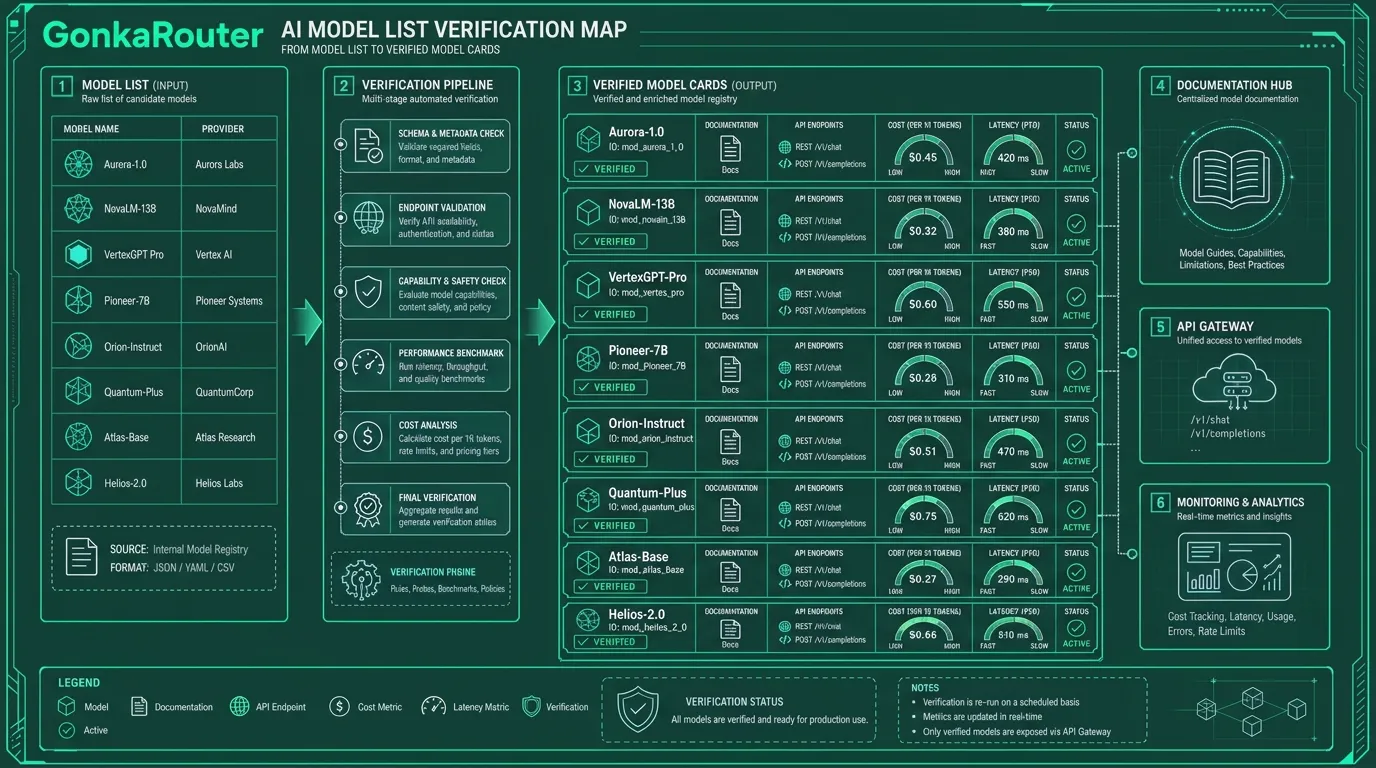
Official and authoritative sources should carry more weight than reposted summaries. For model evaluation practice, Datadog's LLM evaluation framework guide is useful because it frames evaluation as a combination of datasets, metrics, human review, system performance, latency, cost, and safety. Teams that need deeper evaluation tooling can also review Ai2 evaluation frameworks and DeepEval for structured testing ideas.
The core principle is simple: never choose AI models because a list says they are available. Choose them after the model identity, access path, workload performance, and operational behavior are verified.
How ai models fail when teams choose from hype alone
Bad model picks usually do not fail in obvious ways during a demo. They fail in the gap between a polished prompt and a production workload.
A chatbot may sound fluent but respond too slowly at peak traffic. An AI agent may solve three sample tasks but fail when tool calls require strict JSON. A code generation workflow may produce plausible code that misses edge cases. A content pipeline may generate acceptable drafts but become too expensive when retries and long context are included. A RAG system may look accurate on simple questions but become unreliable when retrieval quality changes.
These are not abstract risks. They map directly to engineering costs.
Risk | Production symptom | Engineering impact |
|---|---|---|
Benchmark-only selection | Strong public score, weak product-task fit | Rework evaluation and prompts |
Version confusion | Wrong model ID or changed alias | Broken behavior after deployment |
Latency mismatch | Slow time to first token or long completion time | Poor user experience |
Cost miscalculation | Agent loops and long outputs increase token usage | Budget surprises |
API incompatibility | Different schemas, auth flows, or streaming formats | More integration work |
Weak reliability | Timeouts, rate limits, intermittent failures | Need retries, monitoring, and fallback |
Safety gaps | Unsafe or noncompliant outputs | Product and review risk |
Provider-specific coupling | Hardcoded SDKs and model logic | Slow model switching |

The opinionated takeaway: a team should distrust effortless model selection. The more important the workflow, the more boring and repeatable the evaluation should be. That does not mean every prototype needs enterprise-grade review. It means production AI deserves production-style evidence.
A practical 1-to-5 scorecard is often enough to start:
Score | Meaning |
|---|---|
1 | Fails a key requirement |
2 | Works only in narrow cases |
3 | Acceptable for prototype testing |
4 | Strong enough for production with monitoring |
5 | Excellent fit across quality, cost, latency, and reliability |
For AI Agents, weight reasoning, tool calling, reliability, and fallback. For chatbots, weight latency, tone consistency, cost, and reliability. For code generation, weight correctness, context handling, and test pass rate. For automated workflows, weight structured output, predictable cost, and error handling.
How ai models should be compared before production
A useful evaluation process begins with your application, not with the leaderboard. The right AI model for an internal data workflow may be the wrong model for a public chatbot. The right model for code explanation may be the wrong model for an agent that calls tools under latency pressure.
Use this comparison framework before choosing AI models for production:
Criterion | What to test | Practical method |
|---|---|---|
Task fit | Does the model solve the real workflow? | Use 50 to 200 representative tasks |
Output quality | Correctness, relevance, format, completeness | Combine human review with automated checks |
Reasoning | Multi-step planning, code logic, math, analysis | Run task-specific reasoning cases |
Context handling | Long prompts, documents, retrieved context | Test realistic input sizes |
Latency | Time to first token and full response time | Measure P50 and P95 under repeated calls |
Throughput | Requests per minute and tokens per second | Run controlled load tests |
Cost | Cost per successful task, not only token price | Include retries, long outputs, and agent loops |
API compatibility | Endpoint, schema, auth, SDK assumptions | Build a minimal integration test |
Reliability | Error rates, timeout patterns, recovery | Simulate repeated production-like calls |
Monitoring | Logs, usage tracking, quality review | Add observability before launch |
Fallback | Backup route or downgrade behavior | Test failure scenarios deliberately |
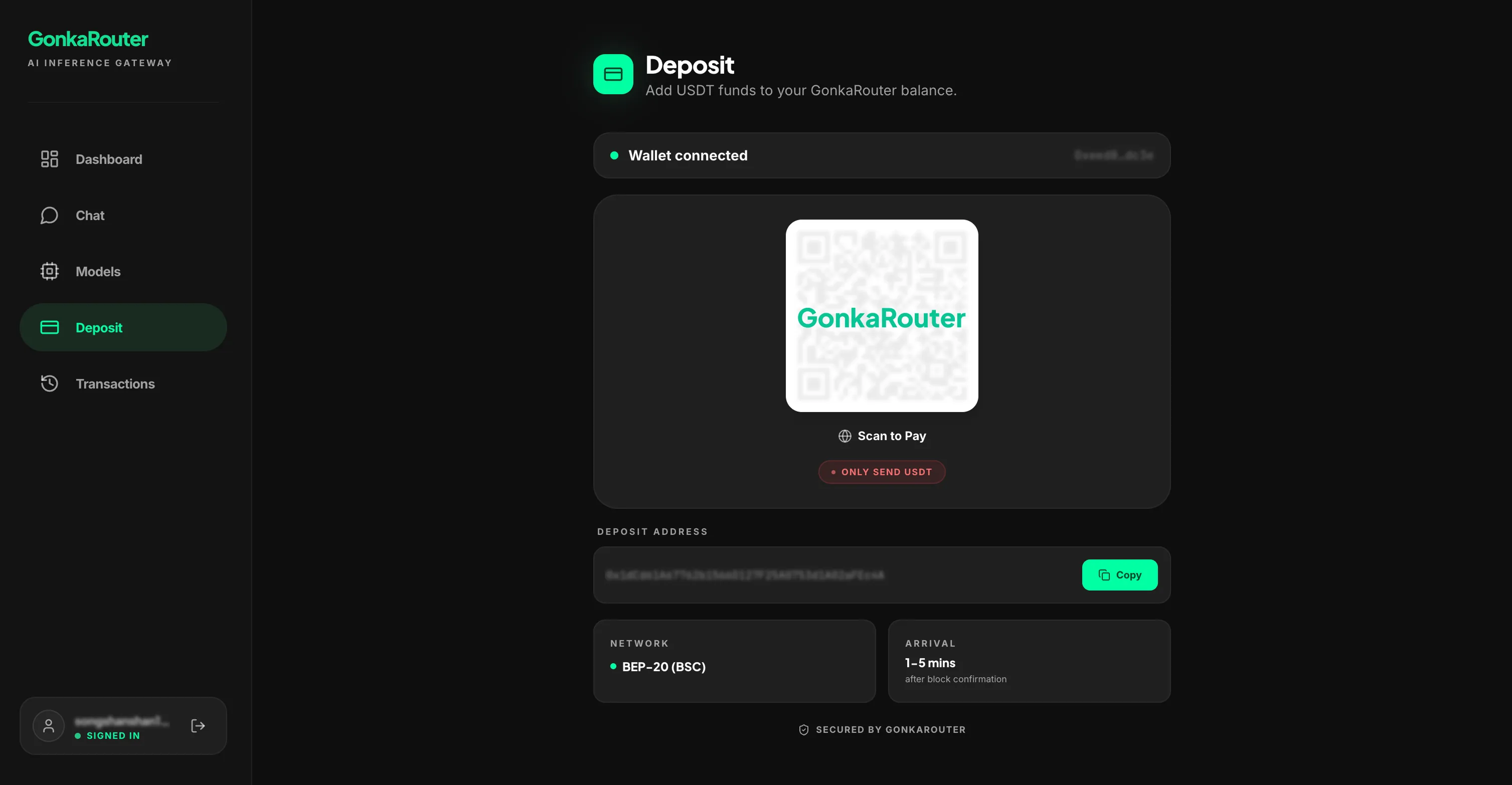
The strongest teams also separate evaluation environments. They test prompts locally or in staging, record representative failures, and keep model-specific assumptions out of the product core. This makes switching easier when a model changes or a better fit appears.
API compatibility deserves special attention. An OpenAI Compatible API or Anthropic Compatible API can reduce integration work when it refers to request and response format compatibility. It does not automatically mean access to official models from those providers. Developers should verify what a platform actually supports, which model IDs are available, and whether compatibility covers the features they need, such as streaming, tool calls, structured output, or message formatting.
This is where an AI Gateway or AI Model Router becomes useful. A routing layer can separate application logic from model access, making it easier to test supported alternatives without rewriting the product around every provider-specific API. It does not remove the need to verify models. It makes verification and switching less expensive.
Where GonkaRouter fits when testing ai models through one API
GonkaRouter fits the verified AI models workflow as a focused AI Model Router and AI Gateway for developers who want one API for its currently supported models: MiniMax-M2.7, Kimi-K2.6, and GLM-5.2.
That scope matters. GonkaRouter should be evaluated for what it actually provides: unified access to those currently supported models through OpenAI-compatible and Anthropic-compatible API formats. Compatibility here means API format compatibility, not official OpenAI or Anthropic model access.
For developers unfamiliar with the product, the internal guide What is GonkaRouter? explains the model router concept. Teams focused on endpoint-based integration can also read the article on an OpenAI-compatible API endpoint. When ready to implement, the GonkaRouter tutorial is the natural next step, and the GonkaRouter blog provides related updates.
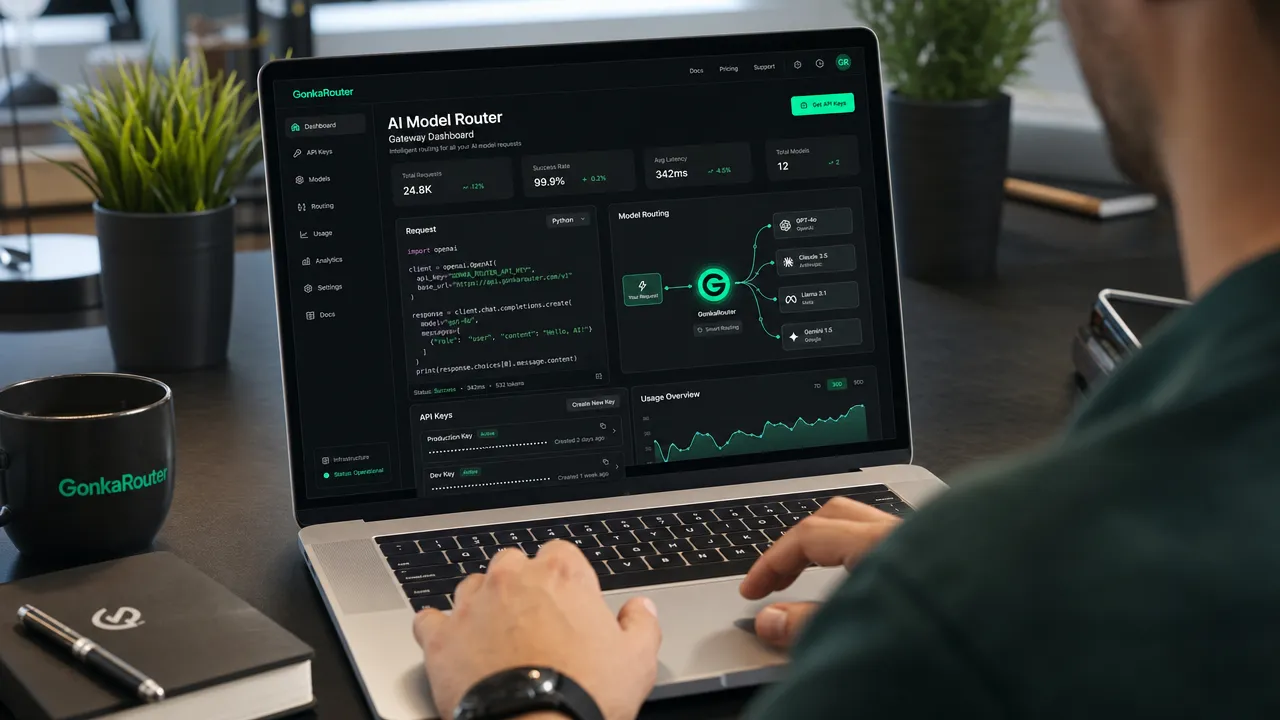
The practical workflow is direct:

GonkaRouter is built on the Gonka decentralized AI compute network and is designed for fast integration. Developers can log in with email, get an API key, change only the API Endpoint, and test supported models for AI Agents, chatbots, content generation, code generation, automated workflows, intelligent Q&A, and data analysis. Token pricing is as low as $0.0004 / 1M tokens, and new users receive a one-time 20 USDT trial credit after logging in with email.
For a developer team, the value is not "skip evaluation." The value is "evaluate supported models with less integration overhead." Instead of maintaining separate provider-specific logic for every test, teams can use a Multi Model API pattern for the models GonkaRouter currently supports, compare results, and keep the application architecture cleaner.
Final ai models checklist before you commit
A good model choice should survive this checklist:
Checklist item | Done? |
|---|---|
Exact model name and version are verified | |
Official documentation has been reviewed | |
API access and request format are confirmed | |
Pricing has been calculated for real usage patterns | |
Benchmarks have been treated as directional, not final proof | |
Real workload tests have been completed | |
Latency, throughput, and error behavior have been measured | |
Safety, privacy, and limitation notes have been reviewed | |
Monitoring and fallback behavior are planned | |
Integration path is clear and maintainable |
Verified AI models help developers avoid bad picks because they replace hype with evidence. Model lists, named versions, and benchmark claims are useful starting points, but production decisions require workload tests, API checks, cost measurement, and reliability planning.
Ready to test supported model fit with less integration work? Use the AI Model Router on the Gonka Network to log in with email, get your API key, apply your one-time 20 USDT trial credit, and compare MiniMax-M2.7, Kimi-K2.6, and GLM-5.2 through one API.