Integrating the DeepSeek-R1 API requires a developer account, a server-side API key, and a live check of the model catalog before production traffic is enabled. DeepSeek-R1 is a model release name, so confirm the current API model ID instead of relying on a historical alias.
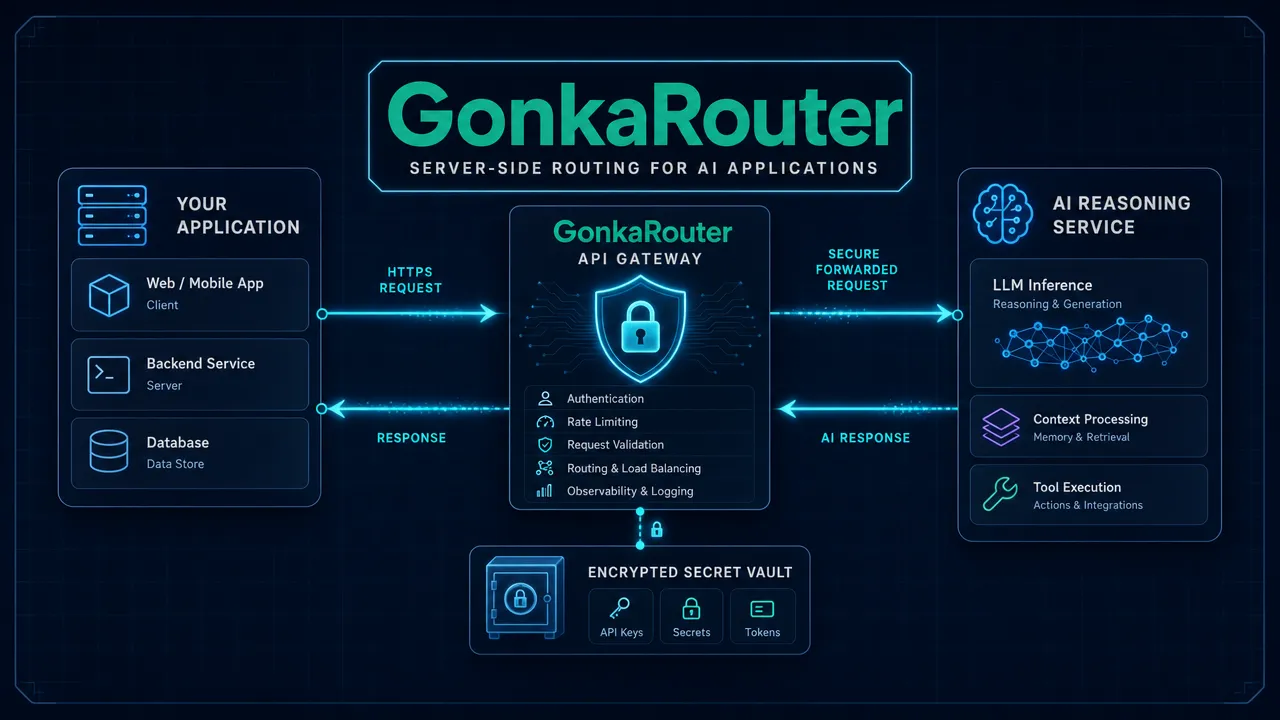
DeepSeek historically associated the R1 reasoning workflow with deepseek-reasoner. However, model aliases can change, and the current DeepSeek documentation includes newer examples such as deepseek-flash and deepseek-v4-pro. Treat a model string as a versioned production dependency: verify it in the active console and in the DeepSeek API changelog before deployment.
Confirm the current DeepSeek-R1 model ID first
DeepSeek-R1, deepseek-reasoner, and browser chat access describe related but distinct concepts.
Term | Meaning | What developers should do |
|---|---|---|
DeepSeek-R1 | A reasoning model release from DeepSeek | Use it as the product and capability reference. |
| A historical API alias associated with R1 | Confirm it remains available before using it in code. |
DeepSeek chat | The browser-based chat product | Use it for interactive testing, not API-key management. |
DeepSeek API | The programmatic, OpenAI-compatible service | Use it from a backend application with a protected key. |
The official DeepSeek-R1 repository distinguishes browser chat from platform-based API access. A conversation in the web interface does not create credentials for your service, and a DeepSeek API key should never be embedded in frontend JavaScript, mobile builds, public repositories, or browser environment variables.
Current API examples use an OpenAI-compatible configuration with the DeepSeek base endpoint and the /chat/completions request path. Compatibility simplifies client migration, but it does not guarantee that every OpenAI parameter, response field, or tool feature behaves identically.
Create an account and store the API key safely
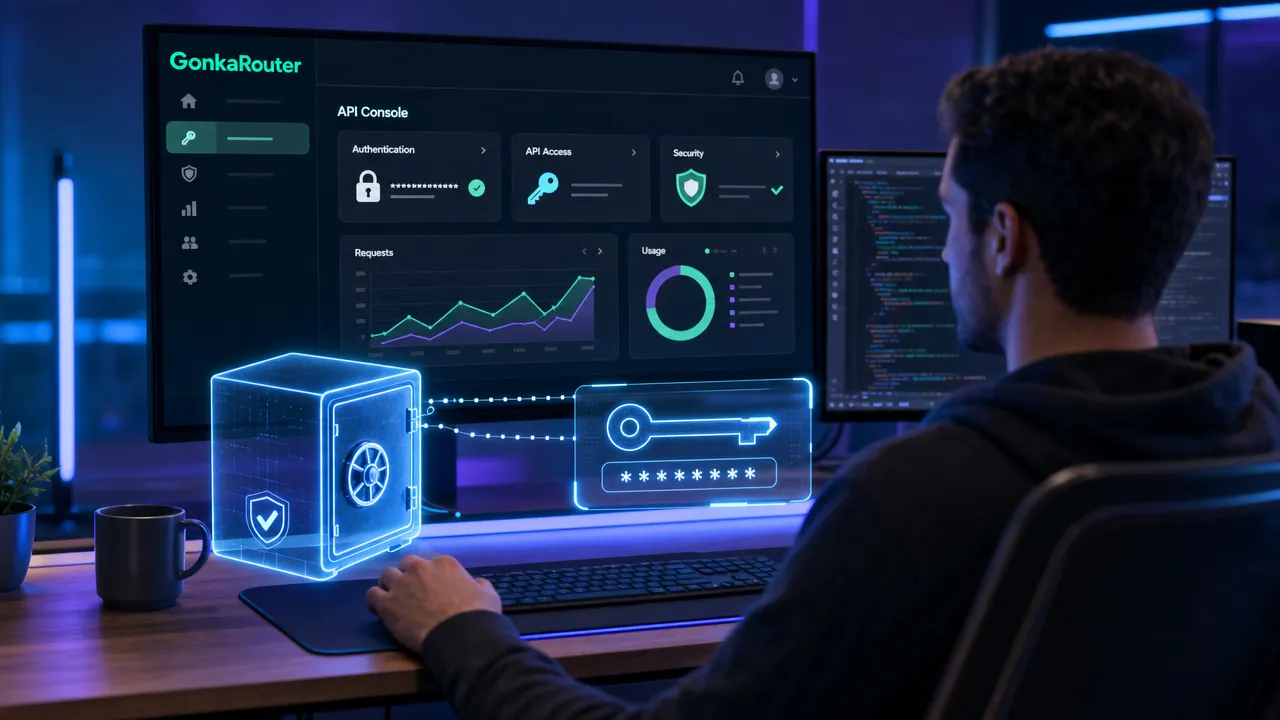
DeepSeek registration starts in the current authenticated platform flow. Create an account or sign in, open the API-key area displayed in the live account interface, and create or apply for an API key according to the available options.
Use this setup sequence:
Open the DeepSeek API documentation and proceed to the current developer platform.
Complete DeepSeek registration or sign in with an existing account.
Create an API key in the DeepSeek console.
Review the live credit, billing, pricing, and usage settings before production use.
Store the secret in a server-side secret manager or an environment variable.
Confirm the active model ID in the console and documentation.
Send a small smoke test before connecting the integration to user traffic.
Set the key in your deployment environment as DEEPSEEK_API_KEY. For local development, use a secret-management tool or an ignored environment file. Do not log the value while debugging authentication failures.
DeepSeek publishes current token pricing, including cache-hit and cache-miss input categories, in its models and pricing reference. Read the live table instead of copying price figures into application logic or architecture documents.
Send a request with a verified model ID
The documented DeepSeek API pattern uses POST /chat/completions with a bearer token and JSON body. Before making a request, replace the example model value with the exact model ID available to your account.
A minimal request needs these components:
Request component | Example value |
|---|---|
Authentication |
|
Content type |
|
Endpoint path |
|
Messages | An ordered list of role and content objects |
Model | A currently listed DeepSeek model ID |
For the historical DeepSeek-R1 pattern, the model field was deepseek-reasoner. A compact cURL request would use model: "deepseek-reasoner", a user message, and stream: false. Verify that alias first because DeepSeek's reasoning model guide and current changelog should take precedence over legacy snippets.
With the OpenAI Python SDK, configure the client with api_key=os.environ["DEEPSEEK_API_KEY"] and base_url="https://api.deepseek.com". Then call client.chat.completions.create() with the selected model and messages. DeepSeek provides a Python API sample that reflects the current compatible client pattern.
Keep the request path on the server:
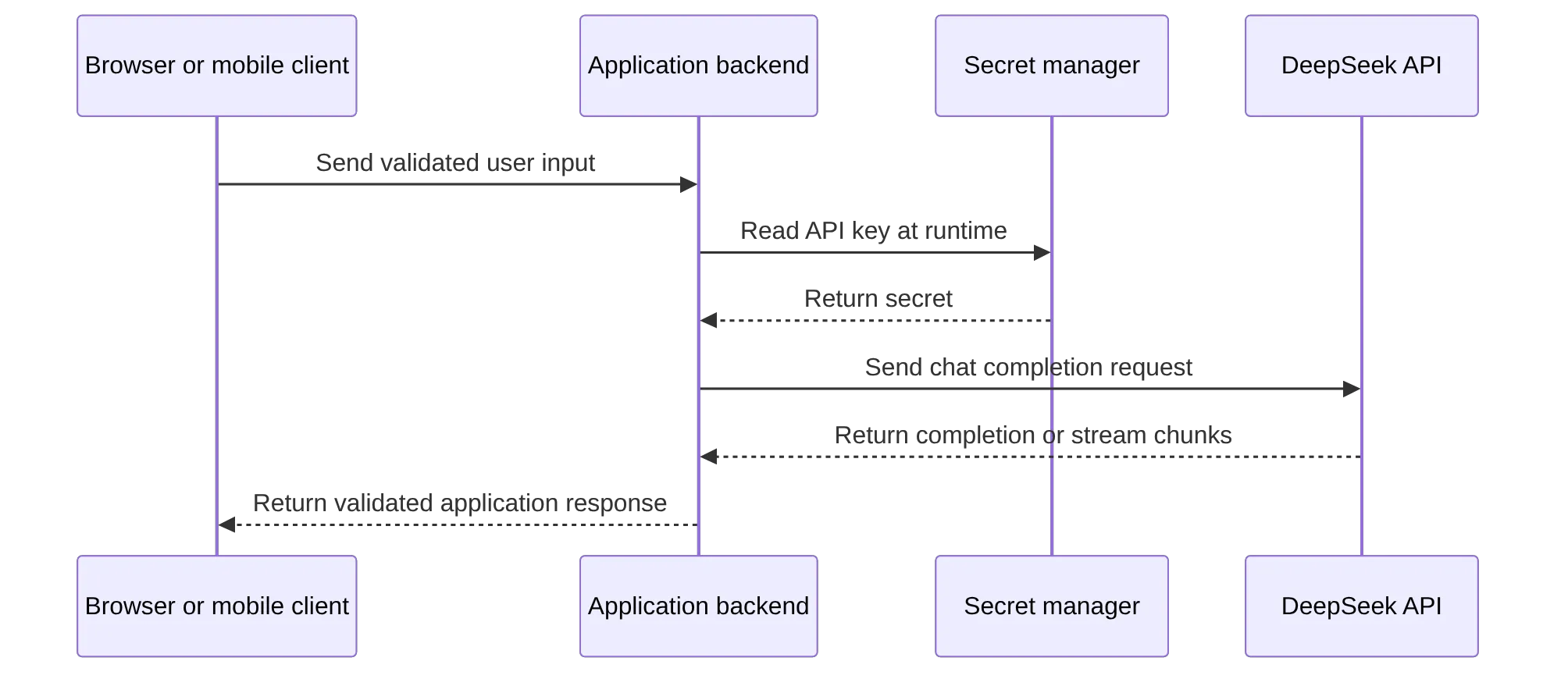
The chat-completions API is stateless. Your application must retain prior turns, decide which history to include, and trim context safely when conversations grow. The multi-round conversation guide documents this caller-managed context model.
Add production controls for reasoning and streaming
Historical R1-style responses can include both reasoning_content and final content. In streamed responses, those may arrive as incremental delta fields. Treat the final answer as the normal user-facing output unless your product has a reviewed reason to expose intermediate reasoning.
Streaming improves perceived responsiveness, but it adds operational complexity:
Buffer partial chunks before rendering structured output.
Do not execute streamed text as SQL, shell commands, or deployment instructions.
Validate JSON against a schema before downstream use.
Attach cancellation handling for disconnected clients.
Record model ID, request status, latency, retry count, and token data when returned.
Avoid retaining full prompts or completions unless your data-handling policy permits it.
Use explicit timeouts. Reasoning workloads may have a longer time-to-first-token and total completion time than short chat tasks. Newer DeepSeek model surfaces may expose thinking controls such as thinking or reasoning_effort; validate model-specific support through the thinking mode documentation.
Troubleshoot API limits and choose an access layer
Most onboarding errors map to a small set of HTTP responses.
Status | Likely cause | Safe response |
|---|---|---|
400 | Malformed JSON or invalid request structure | Validate serialization, headers, and message objects. |
401 | Missing, invalid, or revoked key | Check secret injection and rotate an exposed key. |
422 | Unsupported parameter or inactive model ID | Check the live model catalog and parameter documentation. |
429 | Account concurrency or rate limit reached | Use bounded exponential backoff with jitter. |
500 | Service-side error | Retry only replay-safe work with a capped retry budget. |
503 | Temporary overload | Back off and return a graceful application-level failure. |
DeepSeek documents that concurrency is calculated at the account level, even when multiple API keys are in use. Review the rate-limit guidance and the official error-code reference before setting retry behavior.
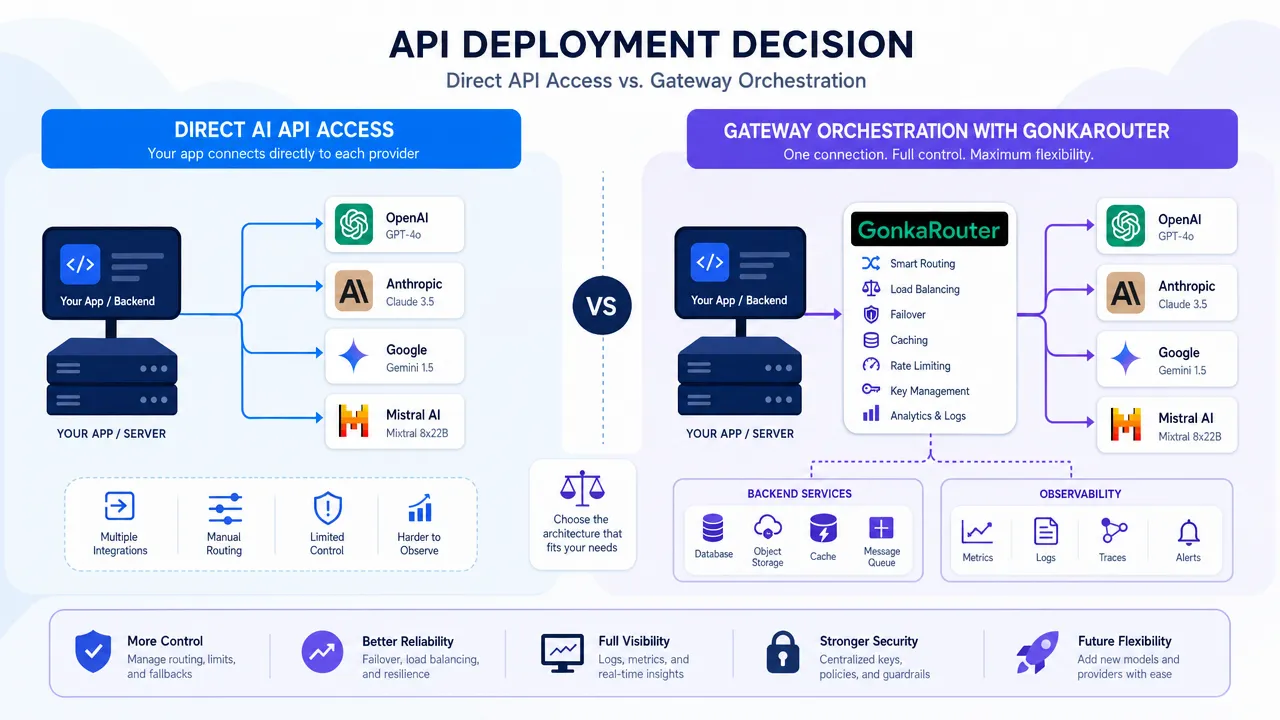
Use direct DeepSeek API access when first-party documentation, billing, and model access are the priority. Use a gateway only when you need a verified common integration boundary across multiple models, centralized observability, or routing controls.
For example, DeepSeek-V4-Flash-0731 access through GonkaRouter describes a routed multi-model option, but it should not be treated as equivalent to direct DeepSeek-R1 access. Compare model version, token limits, privacy terms, pricing, supported parameters, and fallback behavior for the exact route you plan to use.
DeepSeek-R1 API FAQ
Is DeepSeek-R1 the same as deepseek-reasoner?
Historically, DeepSeek associated deepseek-reasoner with DeepSeek-R1 reasoning workflows. Check the current model catalog and changelog because legacy aliases can be retired or replaced.
Do I need an API key for a production integration?
Yes. The DeepSeek API quick start lists an API key as a prerequisite. Keep it on the server and use a secret manager where possible.
Why does a DeepSeek API request return HTTP 429?
Your account has reached its applicable concurrency or rate limit. Reduce parallelism, use bounded retries with jitter, and avoid retry loops that multiply traffic.
How should a team choose between direct access and a gateway?
Run representative workload tests and compare task quality, completed-task cost, latency, model availability, governance, and observability. Teams can evaluate AI models against their workload before committing production traffic, and should evaluate API access beyond benchmark scores when reliability and operational controls matter.
If you prefer a routed API, check GonkaRouter's live model catalog first; a compatible endpoint does not imply that DeepSeek-R1 itself is available.